Home>Credit Score>Credit Reports

Credit Score
Credit Reports
Table of Contents
What you see on your own credit report
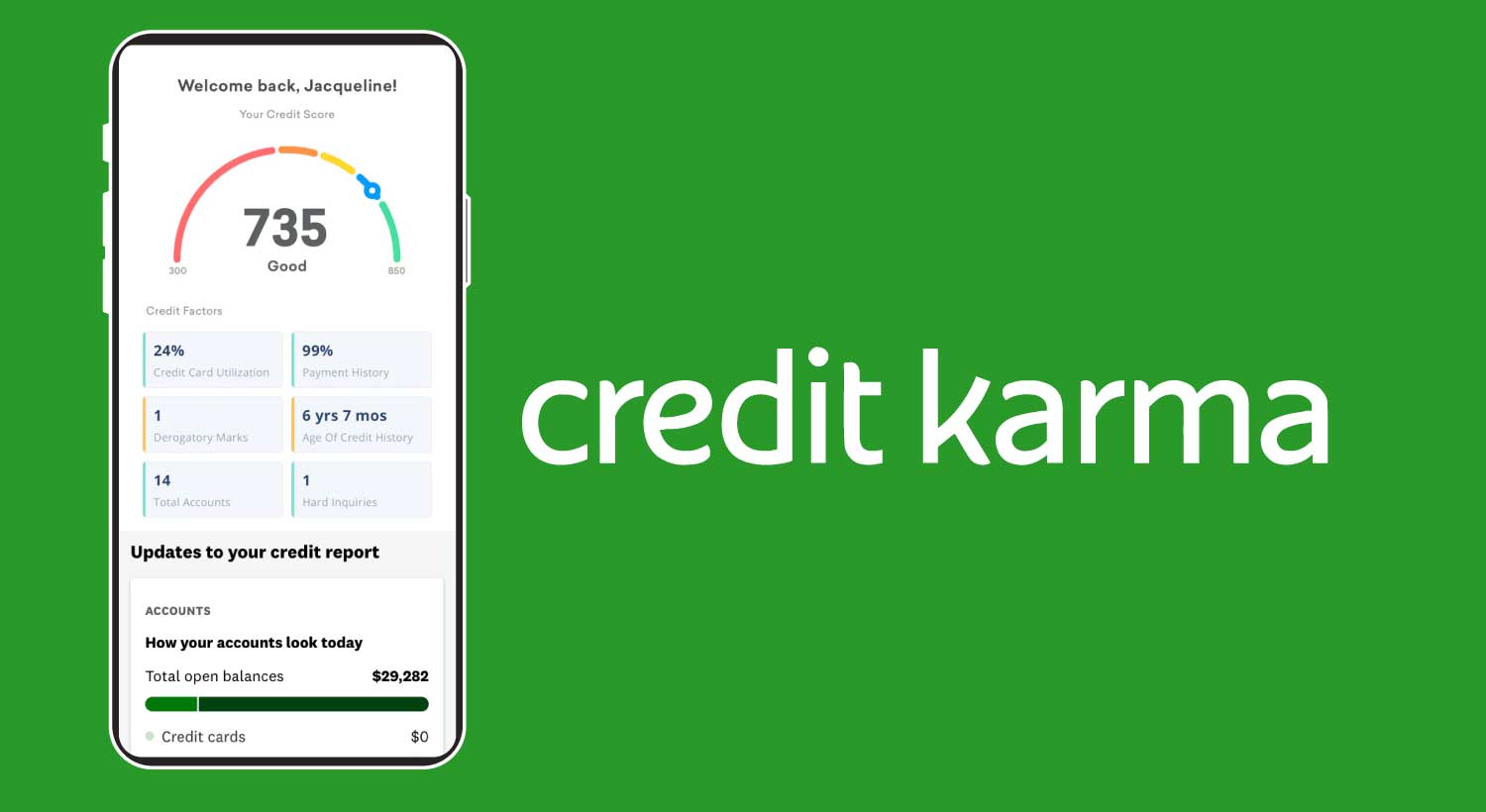
Your credit report contents are organized into clear blocks that start with personal identifying information such as your name, address, date of birth, and Social Security number. Right below that, the bulk of the report lists your credit accounts, including cards and loans, showing their balances, credit limits or loan amounts, and a month-by-month payment history. You will also see a section for credit inquiries, where hard pulls from applications you authorized sit separately from soft inquiries. Further down, public records such as bankruptcy or court judgments appear if they apply, followed by any collections and unpaid accounts that have been turned over to a third party. As you scan each entry, keep in mind that a lender's version of your file may differ from what you see here, so start with understanding report contents to interpret the shorthand and confirm nothing is misreported.
What lenders see and when they look
When a lender reviews your application, they don't pull the same report you see on your own screen. A hard inquiry triggers what the industry calls lender credit bureau pulls, a streamlined version built for underwriting decisions that strips out the soft inquiries you might spot when checking your own history. In many cases it condenses or reformats account details so analysts can scan risk factors quickly, which means a balance you just paid down or a dispute notation you confirmed could still appear differently on the creditor's side depending on when the bureau last refreshed that tradeline. If you apply for something like Apple Card and the decision comes back citing credit bureau information, you can request a free copy of the credit report from that bureau using the instructions in the email you receive for a rare look at what the lender actually evaluated. The data snapshots and visible fields vary between consumer disclosures and underwriting pulls, so spotting an error on your own file is only the first step. You still need to verify that the corrected information has propagated to the version creditors receive and don't assume a future application will see a clean slate until you confirm the fix reached every report type.
Fixing mismatches between the two views
When you compare the file you downloaded to the paperwork a loan officer hands you, mismatches usually trace back to which data fields each format exposes. Your consumer disclosure is built for completeness, listing personal information including your name, past names, addresses, birth date, and Social Security number, while also preserving inquiries that a monitoring service or employer triggered. The lender’s underwriting snapshot strips those out and may condense tradelines so that the account type, credit limit or amount, balance, and payment history read more like a risk summary than a full ledger. The two views draw from the same bureau database, so a balance you zeroed out can still appear outstanding if the furnisher has not refreshed that tradeline yet.
Mastering understanding report contents matters long before you apply, and you need to know not just what a charge-off code means, but when the account was last updated. Recognizing how lender credit bureau pulls work helps you ask the right question after a decline: instead of simply pulling your own file, ask the creditor which version they evaluated. Walk each entry side by side, flagging any collections, public records, or inquiry dates that differ between the two formats. If something was corrected on your end but still shows up wrong on theirs, the correction may not yet be reflected in the data that underwriting sees.