Finance
What Is Venmo PAYMENT Charge I Don't Recognize
Table of Contents
A Venmo payment charge on your bank or card statement means money was sent to someone via Venmo, either by you, a family member using your payment method, or an unauthorized user. If you don't recognize it, it's either a forgotten payment, a payment from a linked service, or fraud.
Why the Venmo payment charge doesn't match your history
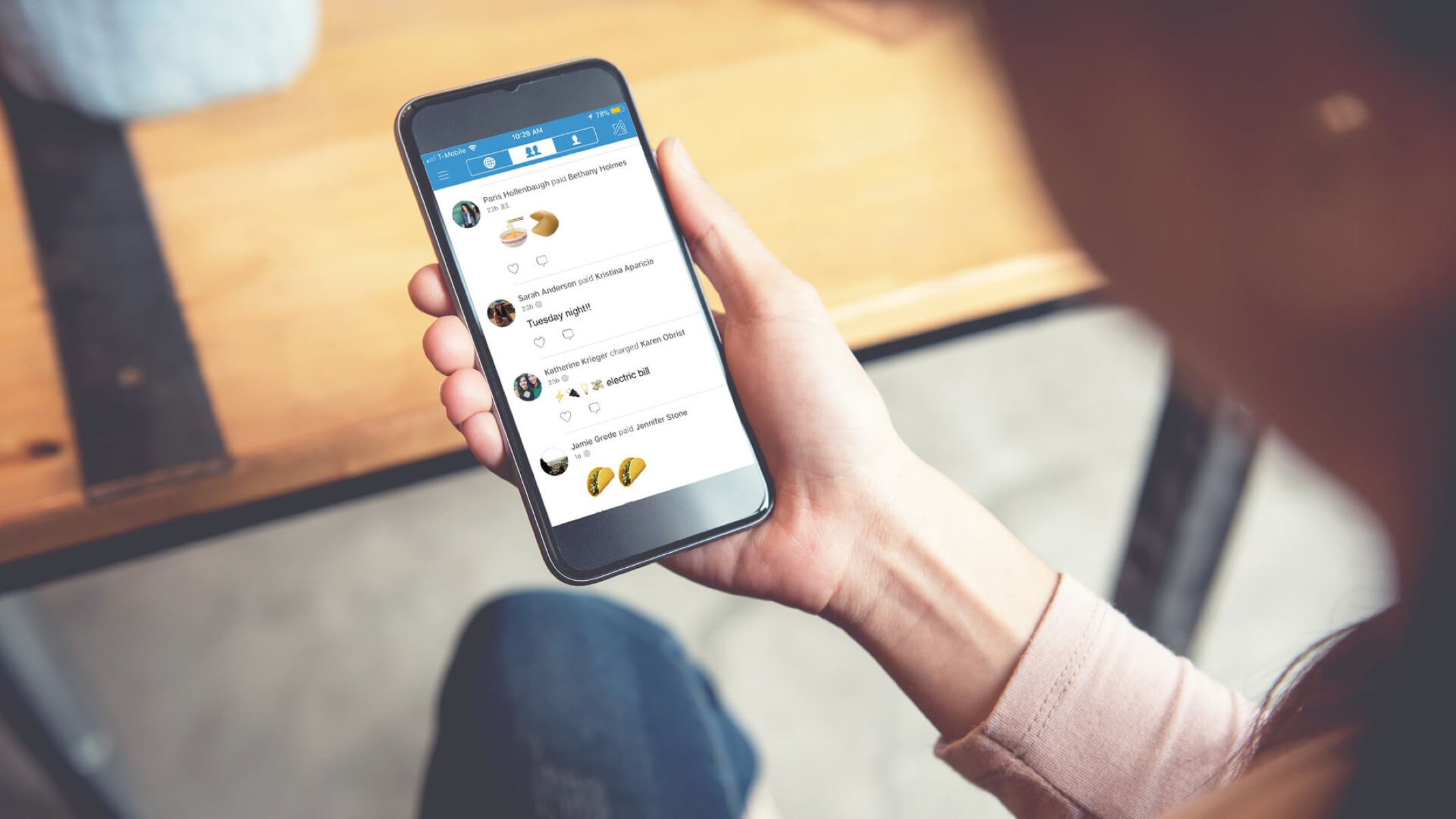
You may have checked your Venmo app's transaction feed and found nothing that matches the dollar amount or date of the charge. This happens because Venmo does not always show a transaction in your in-app history if the payment was made before you created your account. If you used a credit card or bank account to make a Venmo payment during a guest checkout, for example, paying a friend through a merchant's website or a third-party app that uses Venmo as a payment processor, that transaction may appear on your statement as VENMO PAYMENT but never enter your personal Venmo history. Another common cause is a second Venmo account you forgot you had, perhaps an old one tied to a different email or phone number, which processed the payment and now shows the charge under your current card.
When someone else used your payment method
A family member, roommate, or friend may have added your debit or credit card to their own Venmo account without your permission. Venmo allows a single payment method to be linked to multiple accounts, so your card could be active on someone else's profile. To check this, log into your Venmo app, tap the menu icon, go to Settings, then Payment Methods, and review every card and bank listed. If you see a card you recognize but did not add yourself, remove it immediately. In cases of unauthorized use, the charge could also come from a hacker who gained access to your card number and used it through a Venmo account you never created. This is one of the most common "unknown card charges" situations users face, and it requires swift action to stop further losses.
Why it's probably not a pending authorization
Many people assume a strange VENMO PAYMENT charge is just a temporary authorization that will drop off. That is rarely the case with Venmo. The only Venmo transactions that appear as small pending authorizations are the verification micro-charges Venmo itself sets when you first link a bank account, typically amounts like $0.01 or $0.10 as of the current Venmo verification process, which disappear within a few days. A full VENMO PAYMENT charge, such as a $20 or $150 transfer finalized at the rates published in the Venmo app, is a completed transfer of funds from your card to a Venmo recipient. It will not vanish on its own. If you see a charge like that and you cannot explain it, treat it as a completed transaction, not a hold. This is similar to how you would investigate an "Amazon digital charge on my credit card" that appears as a settled purchase rather than a pending pre-authorization.
What to do if you still don't recognize it
First, contact Venmo support directly through the app: go to Settings, then Get Help, and select Contact Us. Provide the exact date, amount, and the last four digits of the card used. Venmo can look up the transaction by the Venmo ID or receipt number if you have it. If they confirm the charge is not from your account, ask them to block your payment method from all linked accounts. Then call your bank or card issuer immediately and dispute the charge as unauthorized. Request that they issue a new card number to prevent further "csc servicework on my credit card statement" type charges from appearing. Also change your Venmo password and enable two-factor authentication. Do not assume the problem is solved after one phone call, monitor your statement for the next 30 days for any additional VENMO PAYMENT charges, and report any new ones to your bank right away.
Unlike other payment processors, Venmo uniquely allows a single debit or credit card to be linked to multiple separate user accounts simultaneously, meaning your card can be used for charges that never appear in your own Venmo transaction history.