Home>Finance>How To Audit And Cancel Unused Subscriptions In Under An Hour
Finance
How To Audit And Cancel Unused Subscriptions In Under An Hour
Table of Contents
Audit your last 12 months of bank and credit card statements for recurring charges, then use a subscription tracking app or a strict spreadsheet template to cancel directly through your account settings or by emailing support. You can complete this in under an hour by focusing only on digital subscriptions and ignoring essential utilities.
The 12-month statement sweep to cancel unused subscriptions
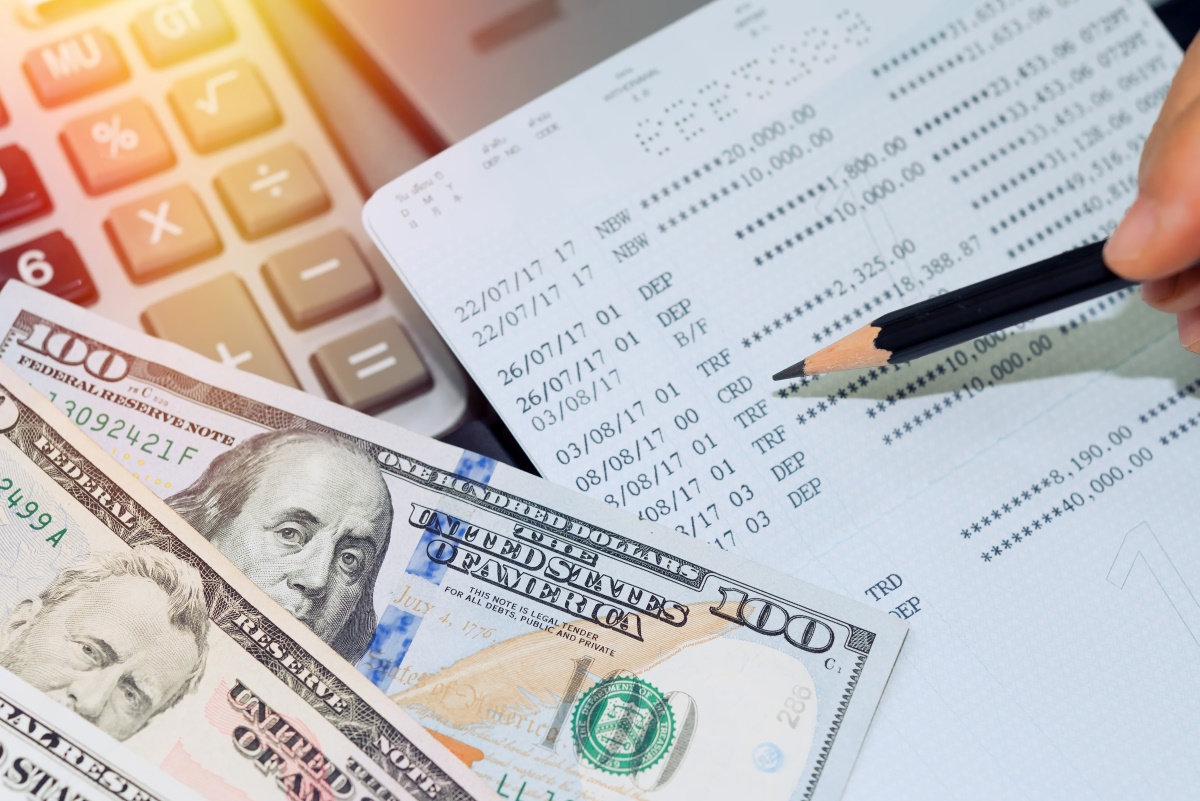
Log into your primary bank and each credit card account. Export the last 12 months of transactions as a CSV or QFX file. Do not scroll through the web portal. Open the file in a spreadsheet and apply a filter to the description column. Search for the word “recurring” or common billing suffixes like “*CO” or “*PY” which many processors append to automated charges. Next, sort by amount (low to high) and look for any charge under $50 that appears at a regular interval, weekly, monthly, or yearly. That’s where hidden subscriptions hide. Searching for “free trial” in your email inbox fails because most services bill under a different merchant name. You must rely on the statement pattern, not your memory. For speed, focus only on digital services, streaming, cloud storage, fitness apps, dating sites, and software. Skip any charge that includes “insurance” or “loan” since those are not subscriptions you can cancel with a click.
This process lets you audit and cancel unused subscriptions in under an hour by filtering for the specific patterns that reveal a subscription. You then move in a single pass from discovery to cancellation without ever opening a second browser tab for “fun.”
When the app store is lying to you
The common mistake is opening your iPhone’s Settings and assuming that’s the full list. That only shows payments billed through Apple or Google. Many services bill directly through Stripe, PayPal, or a custom merchant account. They never appear in your phone’s settings. To catch these, log into PayPal and click “Manage Automatic Payments” under the gear icon. Then check your bank’s “recurring transaction” report if available. Another blind spot is services that bill annually but you signed up for a monthly plan first. They often switch to a yearly charge under a different descriptor that looks like a one-off. For each recurring charge you find, open a new tab and search the merchant name plus “cancel subscription.” Land on the exact account management page, never the app itself. Many apps only hide the cancel button behind a web browser interface.
The one-click cancellation myth
When there’s no cancel button, you are legally protected by the Federal Trade Commission’s “click to cancel” rule. It requires a simple cancellation method as easy as the signup. If you hit a wall with a chat bot that won’t budge, write a two-sentence cancellation email to support. State: “Please cancel my subscription effective immediately. Confirm cancellation and refund any prorated amount to my original payment method.” That works because support reps are trained to process written requests without a phone call. You also have a paper trail if they charge you again. For services that offer a 50% discount to stay, decline politely and complete the cancellation. Do not accept the offer unless you actually want the service. You’ll forget and the charge returns next month. After cancelling, check your credit card statement two billing cycles later to confirm no residual charges. If one appears, dispute it with your bank as an unauthorized recurring charge.
Frequently asked questions
Can I get a refund for months I already paid but didn’t use?
Most subscription services have a 30-to-60-day refund policy. It’s not automatic, you have to ask. Email support with the subject “Refund request for unused subscription” and cite your last payment date. If the service is a streaming platform, they often refund the full month if you cancel within 48 hours of being charged. This works even if you watched something.
What if I can’t find the merchant name on my statement?
Run a search on the exact charge amount plus your card’s last four digits in a search engine. Other users often post about unknown charges in forums. If that fails, call your bank’s fraud line. Know that small recurring charges are not fraud, they’re just badly labeled. You can also use a virtual card number going forward to generate a unique number per merchant. That makes future audits trivial.
How do I prevent this from happening again?
Use a privacy-focused virtual card or a dedicated “subscription” checking account with a low balance. Set a calendar reminder every three months to do a 10-minute statement sweep. Immediately cancel any free trial the day you sign up. Set a phone alarm for day six, not day seven.
What about subscriptions I share with family or a partner?
Those count as active even if you don’t use them. Decide if the cost is worth the shared benefit. For shared accounts, cancel the recurring charge and have the other person pay you back monthly via a payment app. That way you’re not the one eating the cost.
How can I save money on the subscriptions I keep?
Before renewing any annual plan, check whether the service has a price adjustment policy and which stores offer one. You can often secure a lower rate simply by asking. Also, learn to read a unit price label to spot the better deal when comparing plans. This same skill applies to spending & shopping beyond subscriptions and helps you avoid overpaying for any recurring cost.