Home>Finance>Does PayPal Or Apple Pay Charge A Foreign Transaction Fee
Finance
Does PayPal Or Apple Pay Charge A Foreign Transaction Fee
Table of Contents
Neither PayPal nor Apple Pay themselves charge a foreign transaction fee, but the underlying payment method linked to the wallet almost always does, meaning you rarely avoid the fee just by tapping or clicking a different button.
The one decision about foreign transaction fees that actually determines whether you pay extra
Neither PayPal nor Apple Pay themselves charge a foreign transaction fee. The underlying payment method linked to the wallet almost always does. That means you rarely avoid the fee just by tapping or clicking a different button. The surcharge you see on a statement after an overseas purchase or a cross-border online checkout is not coming from the digital wallet’s interface. It is coming from the bank or card network that actually moves the money. If you want to dodge the surcharge, you have to change what is inside the wallet, not the wallet itself.
Why the wallet itself is not the problem
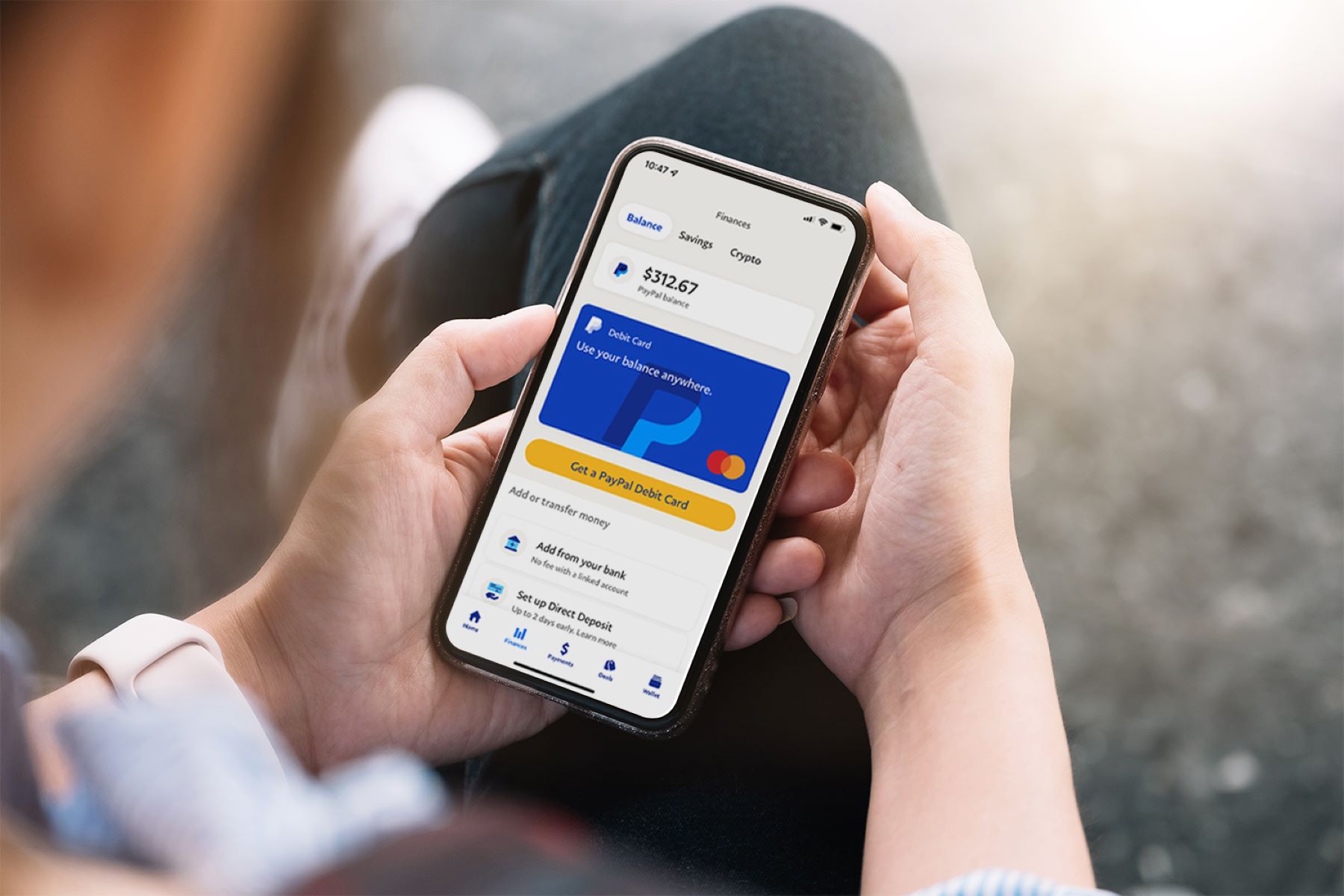
Apple Pay and PayPal are payment conduits, not card issuers. Apple Pay simply stores a tokenized version of your physical credit or debit card and passes the transaction details to the card network. It never extends credit, holds a balance, or sets exchange rates. PayPal operates similarly for its “Pay with PayPal” button. It also offers a PayPal balance and a PayPal Cash Card, yet even those draw from a linked bank or card when the balance runs dry. Neither company adds a line item for “foreign transaction fee” to your receipt. They are not the entity setting the exchange spread. That spread belongs to Visa, Mastercard, American Express, or your issuing bank. Those parties decide the wholesale rate plus their own markup.
The hidden cost from your linked card or bank
The real foreign transaction fees come from the credit card, debit card, or bank account you have connected. Most standard Visa and Mastercard credit cards in the US charge 1% to 3% on every purchase made in a foreign denomination. Many debit cards charge a similar percentage plus a flat ATM fee. When you tap your phone with Apple Pay, the card network sees the same card number it would see if you swiped plastic. There is no special “digital wallet” rate. PayPal adds a second layer of confusion with its optional dynamic conversion. At checkout, it offers to convert the purchase into your home tender at a rate that is typically 3% to 4% worse than the card network’s rate. If you click “accept” on that prompt, you have just volunteered to pay a hidden fee that never shows up as a named charge. It is baked into the exchange rate. The same trap exists in Apple Pay when you use a card that offers no foreign transaction fee but the merchant’s terminal asks if you want to pay in your home money. Always choose the local tender to keep the card network’s rate.
The rare exception that actually saves you money
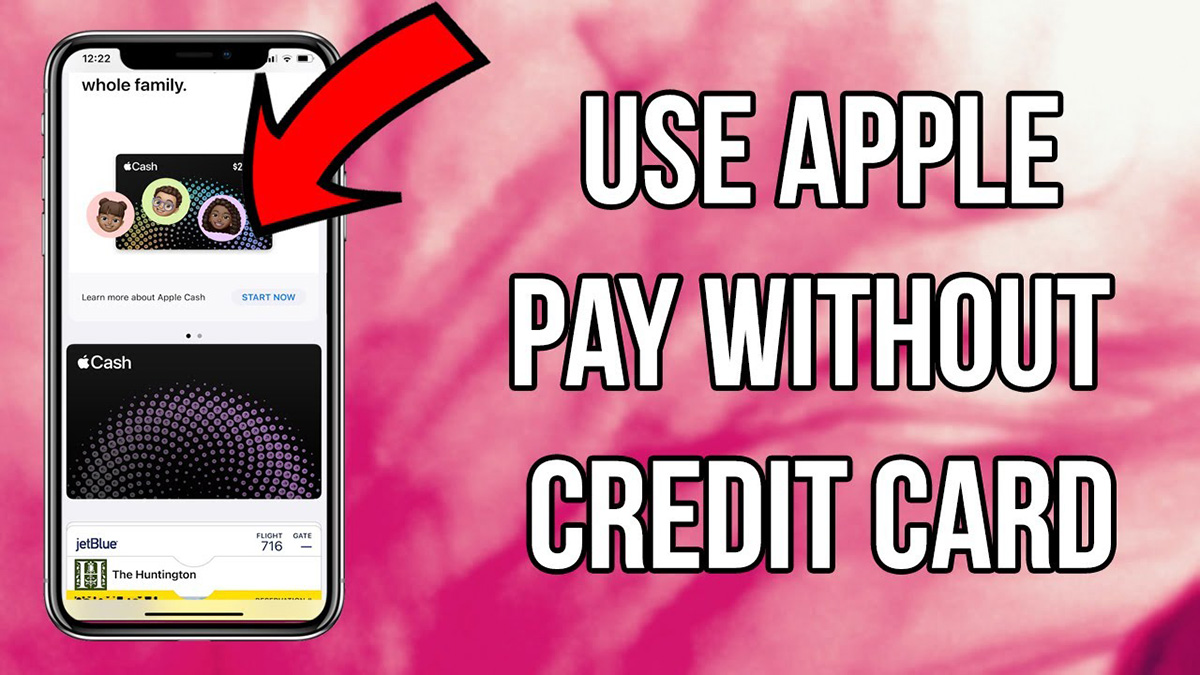
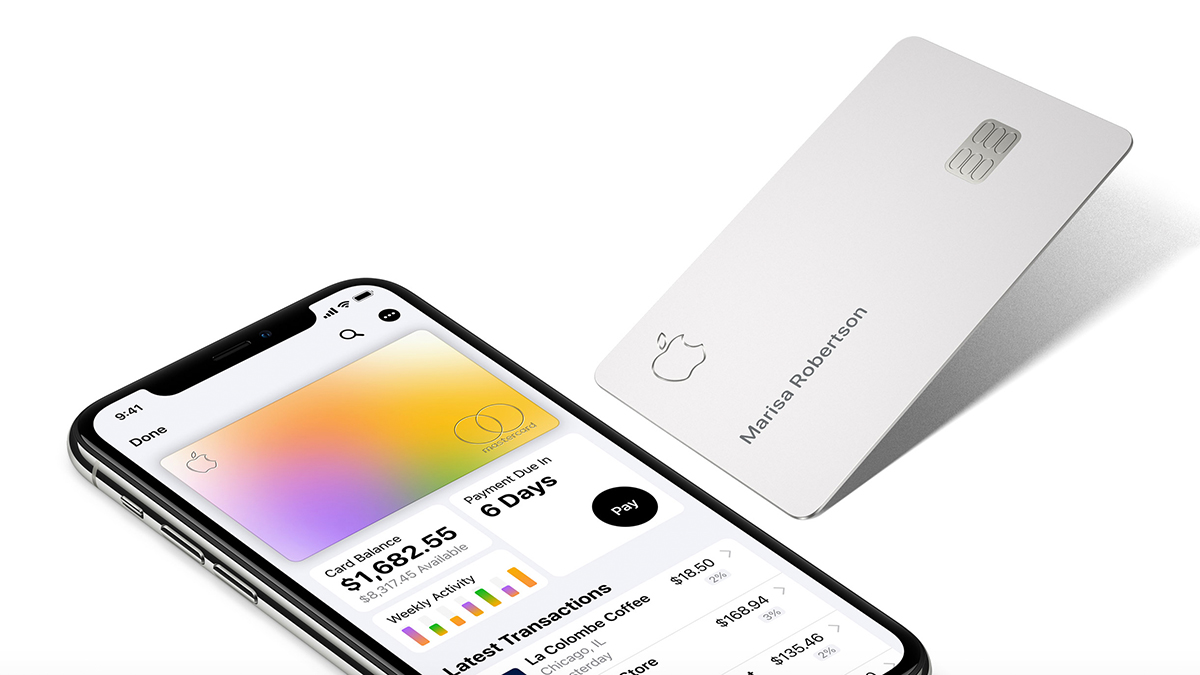
The only way to truly pay zero extra is to set a no-foreign-transaction-fee card as the default in Apple Pay or as the primary funding source in PayPal. Cards like the Capital One Quicksilver, the Chase Sapphire Preferred, or the Apple Card itself bypass the surcharge entirely. The issuer has decided to absorb the network cost. For PayPal, you must also go into Settings, select Payments, and turn off “Use the conversion rate provided by PayPal.” That forces the system to use your card’s rate instead. When you do this, the transaction goes through your card network’s wholesale rate. Because the card has no foreign transaction fee, you pay exactly the interbank exchange rate plus a tiny margin, often less than 0.5%. Debit cards are trickier. Most charge a foreign transaction fee. The question of do debit cards charge foreign transaction fees is almost always “yes” unless you hold a specific travel account like a Charles Schwab debit card, which refunds ATM fees and charges no foreign transaction fee. The practical takeaway: open your wallet app, check each card’s fee schedule, and delete any card with a foreign transaction fee from your default list before you board the plane. You can also call your issuer and ask if they offer a no-fee version of your existing card. Many banks will downgrade you in minutes. If you already paid a fee once, keep the receipt. Some premium cards allow you to get foreign transaction fees waived or refunded as a one-time courtesy, though you must ask. The best strategy is to avoid foreign transaction fees when traveling abroad by carrying only fee-free cards in your digital wallet. Never, ever accept the merchant’s or PayPal’s own conversion prompt.
Frequently Asked Questions
Does using Apple Pay with a foreign card change the fee?
No. Apple Pay does not alter the fee structure of the underlying card. If your foreign-issued card has no foreign transaction fee in its home country, you still pay nothing extra. If it does, the fee applies exactly as if you had swiped the plastic.
Can I get a refund on a PayPal conversion fee?
Yes, but only if you can prove you were not shown the conversion rate clearly. PayPal’s terms allow disputes for accidental enrollment in dynamic conversion. You must contact customer support within 60 days and provide the order details. A successful refund moves the transaction to your card’s rate. The card’s own foreign transaction fee may still apply.
Do prepaid travel cards in Apple Pay avoid foreign transaction fees?
Only if the prepaid card itself has no foreign transaction fee. Many prepaid travel cards, like the Revolut or Wise cards, advertise zero fees. You must load them in the tender you plan to spend. If you load dollars and spend in euros, the card’s own conversion rate applies. That rate may be worse than a good credit card.