To set up T-Mobile payments through a bank account, log into your existing T-Mobile account and navigate to the AutoPay page, where you can link your bank account to receive...
Maximizing credit card rewards starts with your digital wallet Maximizing credit card rewards means applying the right reward to the right purchase at the right time, and your smartphone is...
To use your Apple Account balance for in-app purchases, first redeem an Apple Gift Card or App Store Card to add funds, then open the app, tap the purchase you...
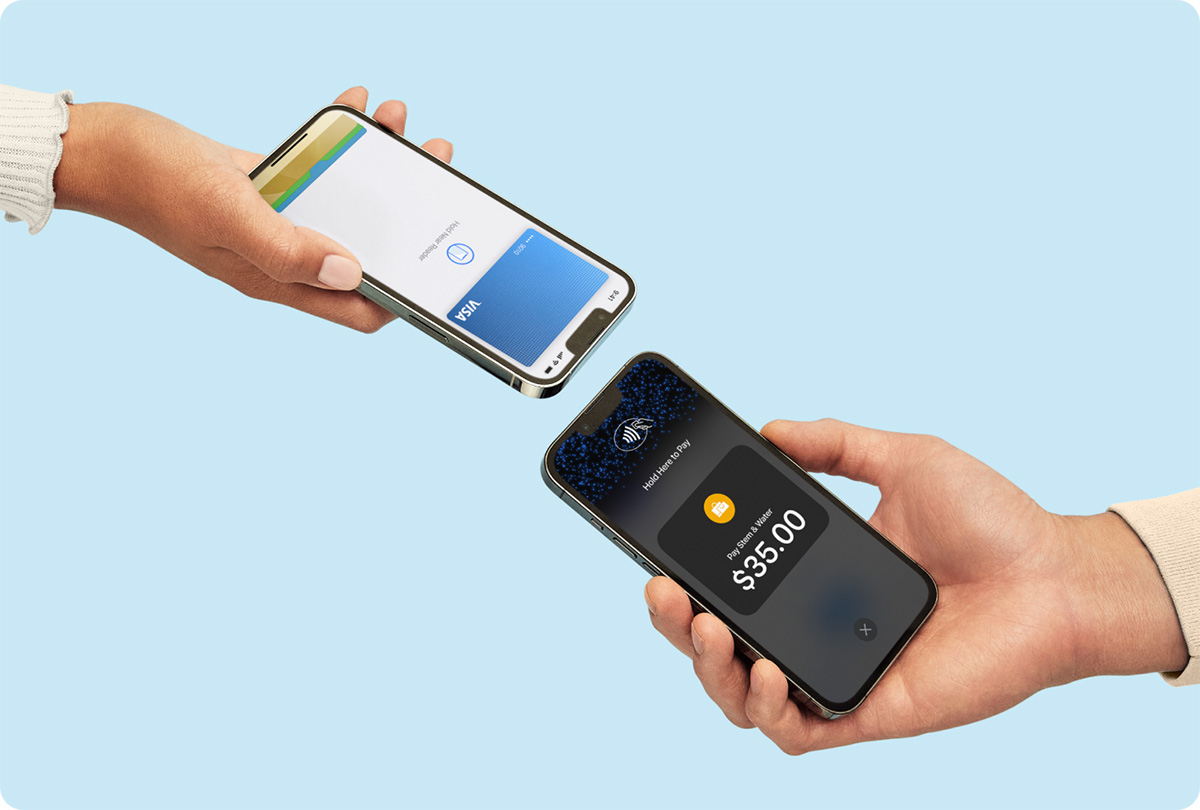
To take credit card payments on an iPhone without any extra hardware, you use Apple’s Tap to Pay on iPhone feature, which turns your device into a contactless payment terminal....
To pay off your Apple Credit Card, open the Wallet app on your iPhone, tap your Apple Card, select the monthly balance or tap "Other Amount" to enter a custom...
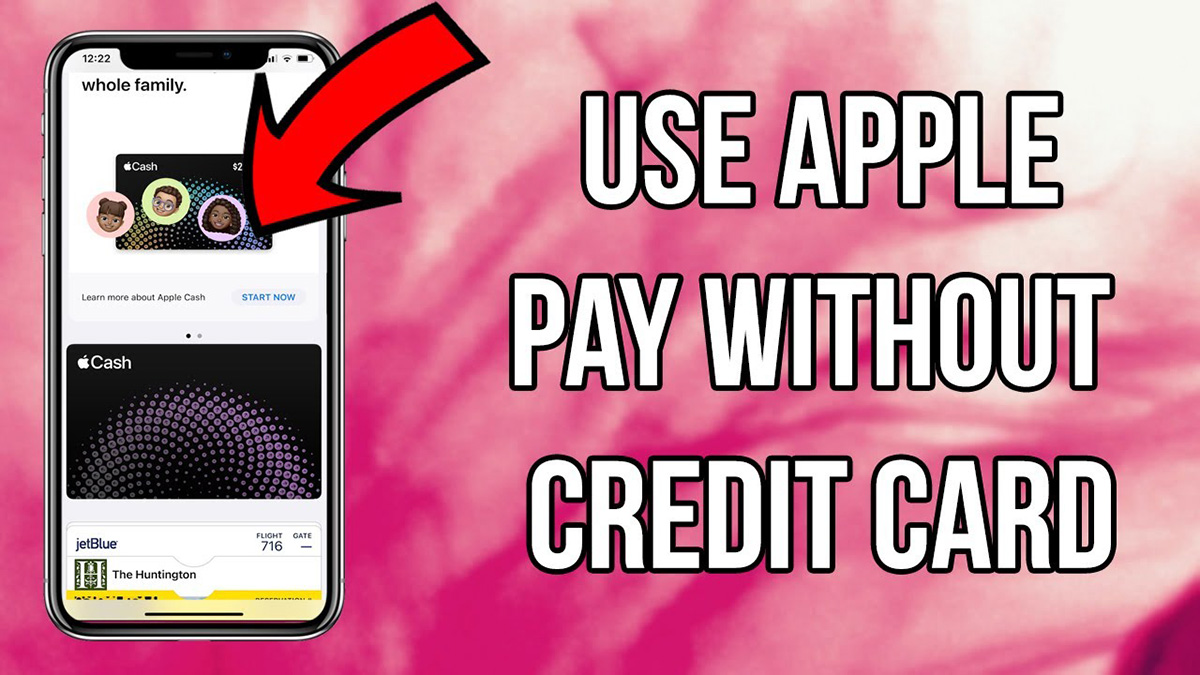
You can add a credit card to Apple Pay without the physical card only if you have the card details from your bank app or online banking, and only if...
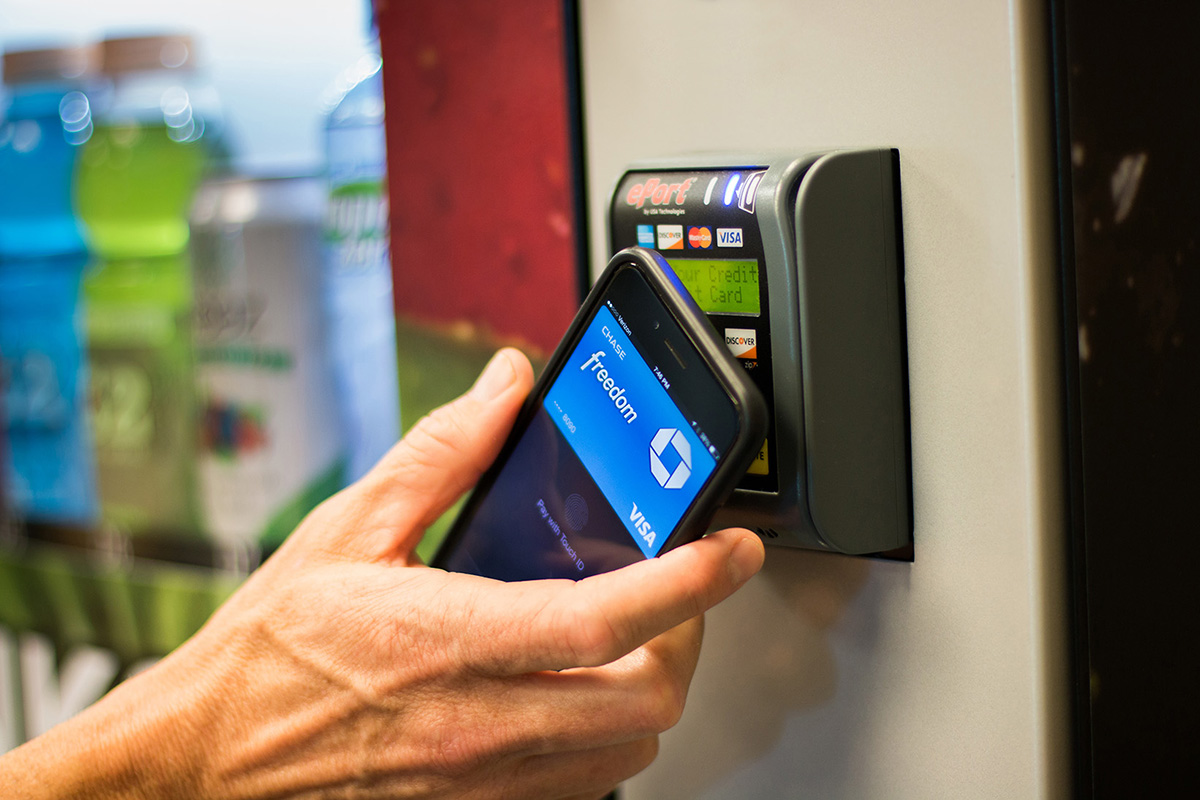
Credit card vending machines are self-service machines fitted with a card reader and payment terminal so a customer can pay by inserting, swiping, or tapping a card or mobile wallet...
Why you can’t link a credit card to Cash App The single documented reason you can’t link a credit card to Cash App is that the Link Credit Card option...
You can take a credit card payment without a machine using only your phone or computer, through two official software methods: manually entering the card details in Square, or using...
To use a credit card reader, start by installing the payment app on your smartphone, then connect the reader via Bluetooth, and finally run a test transaction before taking live...