Home>Credit Cards>Store Credit & Balances
Credit Cards
Store Credit & Balances
Table of Contents
- Store credit balance vs. store credit cards: know the difference
- Checking your store credit and gift card balances
- Finding hidden or promotional credits on your accounts
- Spending store credit online and in-store
- Getting and spending platform-specific credits
- Converting platform credit to cash or other currencies
- Spending Google play credit without a card
- Using PayPal credit for purchases
- Getting cash and account details from PayPal credit
- Managing PayPal credit settings and troubleshooting
- Credit bureau reporting and checks for store cards
- Specialized credit uses and accounting
Store credit balance vs. store credit cards: know the difference
Understanding your store credit balance starts with separating a closed-loop merchant fund from a revolving credit line. When a retailer issues store credit after a return, you are holding a restricted fund that lives inside that merchant’s ecosystem. The rules tighten quickly depending on the brand. Store credit at GameStop may have specific forms and restrictions, but you might want to read about store credit at GameStop to understand how that retailer handles its own return-based funds versus trade-in value.
A store credit card works under an entirely different set of rules because a bank underwrites it. If you are researching the qualifications for a Walmart credit card, you are no longer dealing with a refund balance. You are applying for a co-branded account that involves a credit review. The same split applies when you consider what credit score do you need for Home Depot credit card. You are evaluating a bank-issued line of credit, not a store-issued merchandise return code. Amazon’s ecosystem makes the boundary especially clear. When sellers configure their payment method in the seller account flow, the platform requires a card that is not prepaid, virtual, or a gift card. This is a critical detail if you are reviewing the requirements for Amazon credit card issuance.
Checking your store credit and gift card balances
Before you type in a number or scan a barcode, pause long enough to identify what you are actually holding, because a merchandise return card, a promotional voucher, and a branded credit line each live on different systems. The path to see the remaining value changes completely depending on that origin. When you need to check Lowes store credit balance, you are typically dealing with a closed-loop refund that cannot be reloaded, and the same principle holds when you check Home Depot store credit, the value is tied to the retailer's internal network, not a bank processor.
Promotional balances tied to online platforms operate under tighter restrictions and often hide behind different menus entirely. You might accumulate funds from a trade-in, a no-rush shipping reward, or a coupon code, and these credits usually carry a hard expiration date that merchandise credit lacks. When you check Amazon digital credit, you are looking for a total that may apply automatically only to eligible items, and you would want to check Amazon digital credit because the interface may separate these promotional funds from standard gift card totals; reading it will help you avoid missing out on funds that expire without warning.
- check Lowes store credit balance - How To Check Lowes Store Credit Balance
- check Home Depot store credit - How To Check Home Depot Store Credit
- check Amazon digital credit - How To Check Amazon Digital Credit
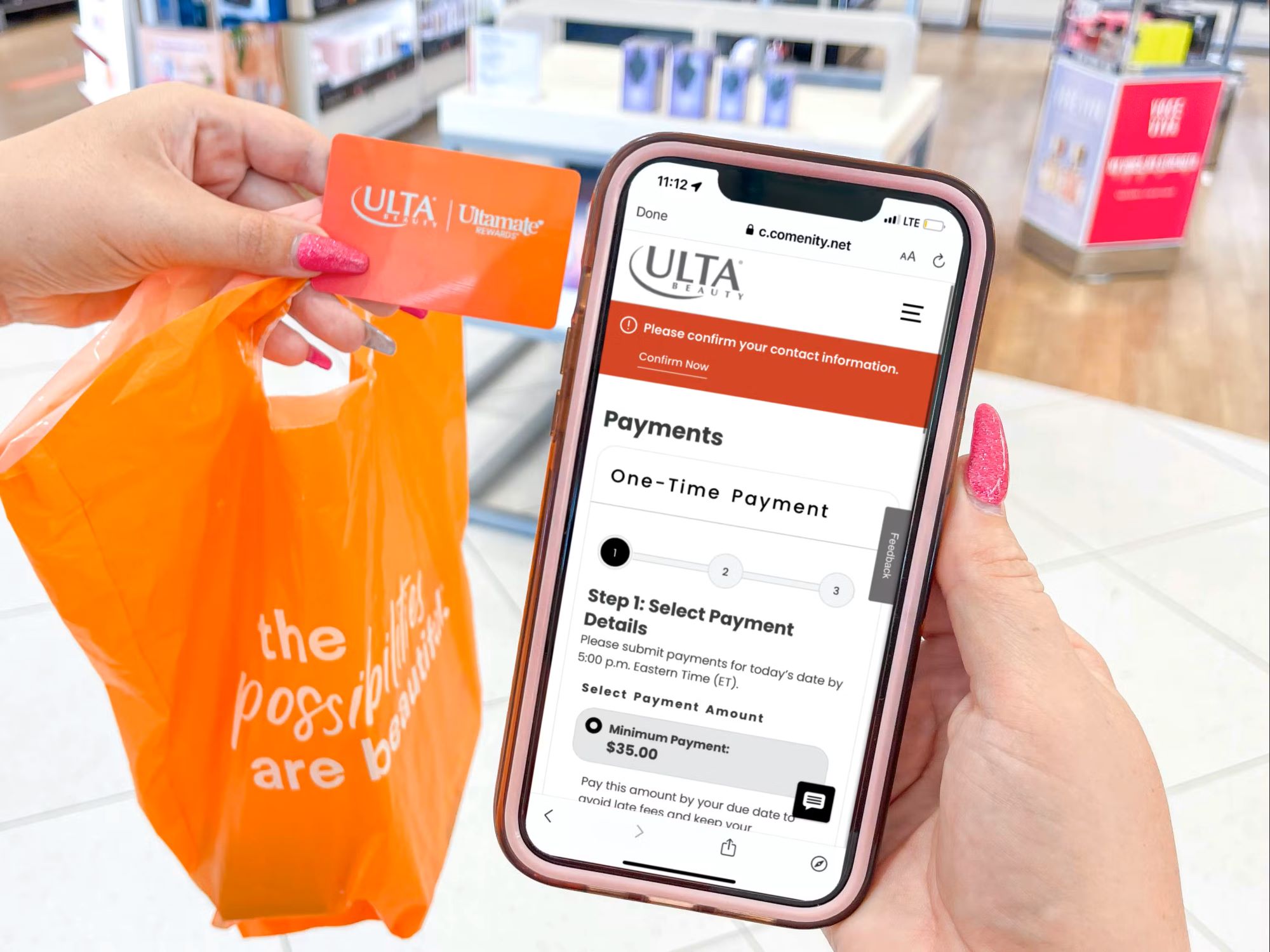
- check ulta in store credit - How To Check Ulta In Store Credit
Finding hidden or promotional credits on your accounts
Many balances that look like store credit never appear in your main wallet view, and treating them as standard gift card funds is what causes most checkout surprises. When you receive a promotional credit on Amazon from a no-rush shipping reward or a limited-time offer, the system often applies it automatically to eligible orders. It does so without displaying a separate line item in your default funds. This means you can complete a purchase and only realize afterward that a discount was used. That is useful but also easy to overlook if you are trying to track exactly what you have, which is why you should read the article on what can you buy with Amazon digital credit to understand the full scope of eligible purchases. The quickest way to find Amazon promotional credit that is not showing up at checkout is to open the mobile app. Go to Your Account, tap Payments, and look for a No-rush reward entry, but you will want to read the guide on where to find Amazon promotional credit to avoid missing hidden balances. The dedicated amazon.com/norushcredits page pulls the same information in a browser. Even after you locate the funds, restrictions still apply. A common point of confusion is what can you buy with Amazon digital credit once it appears in your wallet, and the dedicated article clarifies exactly which items qualify. This sum works only on qualifying downloadable items such as eBooks, music downloads, movies, and apps. Adding a physical product or a third-party marketplace listing to your cart will not trigger it. Over in Apple's ecosystem, the available paths to earn apple store credit are not surfaced in a single settings panel, so you should check the article on how to earn Apple store credit to discover all the methods available. The official redemption pages focus on applying an Apple Store Gift Card at the online store, by phone, or at any retail location. They do not center on accumulating a separate stored-value total.
Spending store credit online and in-store
When you go to check out with a refunded merchandise card, the entry method depends entirely on the type of credit the retailer issued. At Kohl's, for instance, you need to enter Kohls merchandise credit online by treating it exactly like a gift card: select "Add a gift card" on the payment screen and type in the 16-digit number along with the 4-digit PIN. If your card lacks a PIN, it can only be used in-store until you visit a customer service desk to exchange it for one with a PIN.
Fashion retailers often tie the funds to a customer profile rather than a standalone card number. To use store credit hello molly on an order, you must first log into the profile where the return was processed, and the available amount then appears as a tender option during the final purchase screen. Any total exceeding that credit requires a secondary method to cover the difference. The process to apply store credit hello molly never involves typing a gift card code; it is simply selected from the profile's stored value and remains valid for 12 months from the issue date. If you need guidance on either step, the articles on how to use store credit hello molly and how to apply store credit hello molly break it all down clearly.
Other platforms route you through the standard gift card field even when the funds originated as a merchandise return. You can use forever 21 store credit online by opening the "Order Summary" panel at the final step, choosing "gift/e-gift/store credit," and entering the numbers and PIN from the card. Keep in mind that store credits, gift cards, and rewards issued before May 1, 2025 are no longer accepted on the site. For a full walkthrough, the article on how to use forever 21 store credit online provides all the details you need.
- enter Kohls merchandise credit online - How To Enter Kohls Merchandise Credit Online
- use forever 21 store credit online - How To Use Forever 21 Store Credit Online
- apply store credit hello molly - How To Apply Store Credit Hello Molly
- use store credit hello molly - How To Use Store Credit Hello Molly
Getting and spending platform-specific credits
Platforms that operate as full digital marketplaces blur the line between promotional perks and actual stored value, and nowhere is that more confusing than when you try to get TEMU credit from a late-delivery guarantee or a themed in-app event. The balance lands in your account, is automatically applied to eligible orders at checkout, and never becomes cash you can transfer out, meaning you are committing to spend inside the Temu ecosystem the moment you accept it. On Roblox, two separate questions tend to trip people up at the same time: how do I get Roblox credit onto an account and, once it is there, how do I actually use Roblox credit for a purchase or in-experience upgrade.
Food delivery apps add another layer of fine print because the credit is often tied to the specific profile that triggered the refund. When you use credit on DoorDash, the system pulls from any available funds automatically on your next order and applies it to the subtotal and tip, and understanding how does DoorDash credit work in practice means recognizing that it appears immediately after a resolution. The detailed consumer instructions for how DoorDash credit work in group orders are not available.
- use credit on DoorDash - How To Use Credit On DoorDash
- I get Roblox credit - How Do I Get Roblox Credit
- use Roblox credit - How To Use Roblox Credit
- get TEMU credit - How To Get TEMU Credit?
Converting platform credit to cash or other currencies
```html
Store credit and balances can be tricky to manage, especially when you want to move value between platforms. You might also need to transfer Google Play credit to PayPal to access your balance outside the Google ecosystem, and we show you exactly how that works. Gamers who want to transfer Roblox credit to Robux will find a clear method to maximize their in-game currency.
```
- transfer Google Play credit to another account - How To Transfer Google Play Credit To Another Account
- transfer Google Play credit to PayPal - How To Transfer Google Play Credit To PayPal
- convert Google Play credit to cash - How To Convert Google Play Credit To Cash
- transfer Roblox credit to Robux - How To Transfer Roblox Credit To Robux
- send Google Play credit - How To Send Google Play Credit
Spending Google play credit without a card
You can apply it to apps, games, movies, books, and subscriptions billed through Google Play, and if the balance falls short the system lets you combine it with another funding source to cover the difference. The credit is locked to the currency of your billing profile, so a stored value in one region will not work for purchases priced in another.
If you need to pay Google Play without credit card, the platform supports several alternatives that depend entirely on the country or region set on your profile. Carrier billing, PayPal, and Google Play gift cards all show up as options where available, and the definitive list for your market lives on Google’s accepted funding methods page. None of these methods convert your stored value into a general-purpose wallet; they simply give you a way to fund purchases inside the same closed ecosystem.
Because the rules differ so sharply between platforms, it is easy to confuse Google’s locked balance with how Amazon handles the same problem. That balance lives inside a branded credit line with its own login and statement, not a promotional voucher that sits in an app wallet.
- transfer Amazon credit to another account - How To Transfer Amazon Credit To Another Account
- what can i spend Google Play credit on - What Can I Spend Google Play Credit On
- pay Google Play without credit card - How To Pay Google Play Without Credit Card
- check Home Depot store credit card - How To Check Home Depot Store Credit Card
Using PayPal credit for purchases
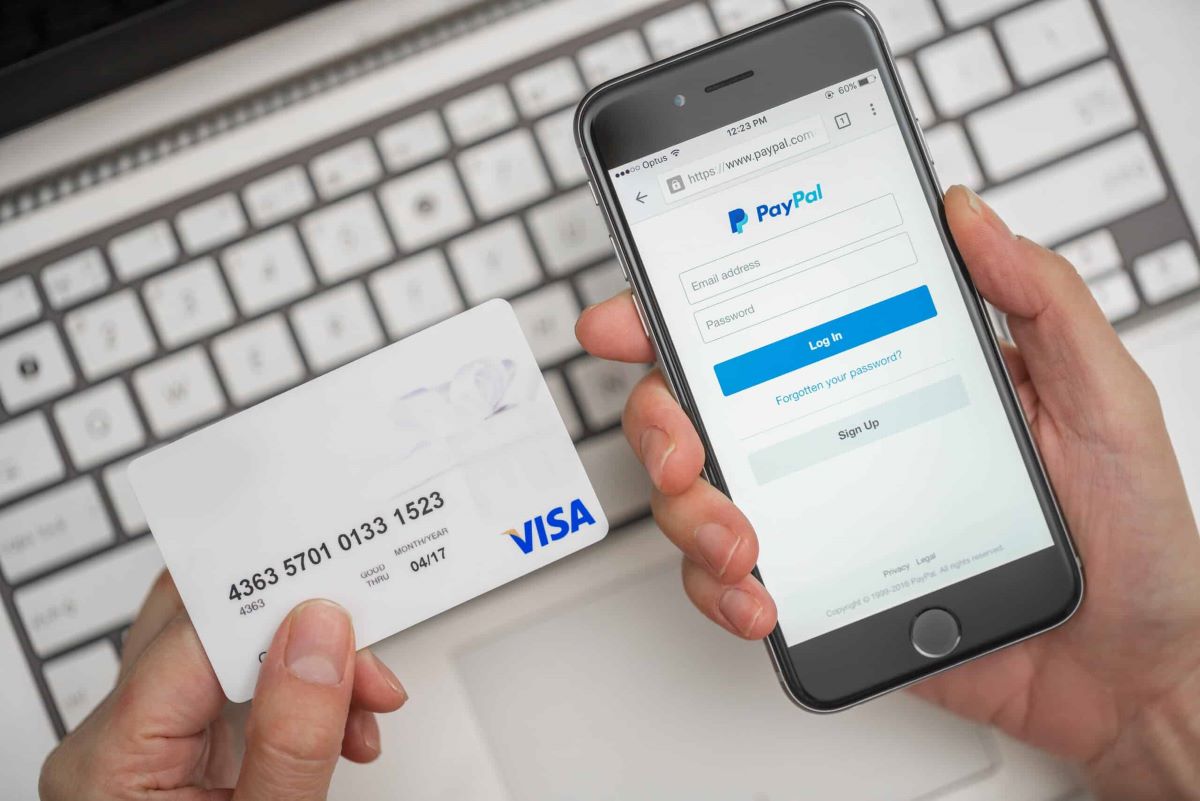
PayPal Credit functions like a digital line of credit that appears as a funding source wherever PayPal is accepted online, but it does not work as a standalone card number you can type into any payment field. On eBay, the setup is straightforward because the platform integrates directly with PayPal’s checkout flow. When you choose PayPal at checkout, your available credit line simply shows up as the funding source. Many regular buyers who try to use PayPal credit on Amazon are surprised to learn it is not a direct option there at all, which is exactly why you would want to read the article about how to use PayPal credit on Amazon. Amazon does not accept PayPal as a direct method, so one documented way to pay with PayPal credit on Amazon is indirectly through a PayPal Debit Card linked to your profile, and you would want the article about how to pay with PayPal credit on Amazon to understand that workaround. You enter that card in Amazon’s payment method area like any other Mastercard. Because the credit line itself cannot be added to an Amazon wallet, anyone trying to use PayPal credit on Amazon without the debit card will find the option missing entirely, which is why you would want the article about how can I use PayPal credit on Amazon to explore alternative methods.
Spending the funds in a physical store works differently than online purchasing and relies entirely on the PayPal app. To pay with PayPal credit in store, you open the app, head to Settings, then Payments, and scroll to the Preferred way to pay section, and you would want the article about how to pay with PayPal credit in store to follow the exact steps. There you can select your credit account for in-store purchases and tap Save. This app-based flow is what makes it possible to use PayPal credit in stores that accept PayPal’s contactless tender, though the exact list of supported retailers varies by region, and you would want the article about how to use PayPal credit in stores to see which locations accept it. The process is more integrated on eBay. There, the question of how does PayPal credit work on ebay has a simpler answer: it is a reusable line that appears automatically during PayPal checkout, and you would want the article about how does PayPal credit work on eBay to verify the details. You can set it as your default payment preference so it draws from the credit line before touching your bank account or stored funds.
Getting cash and account details from PayPal credit
Before you try to pull funds out, it is important to recognise that PayPal Credit is a digital line of credit attached to your checkout, not a deposit account with a cash balance. Many people searching for a way to get cash from PayPal credit find that there is no direct cash-withdrawal feature for this account type. Treating it like a bank account will leave you stuck; if you want to know how you can get cash from PayPal credit, read the article "I get cash from PayPal credit" to understand the available workarounds. If you need actual liquidity, check whether you have a PayPal Debit Card linked to your available funds.
Since the credit account is not a physical piece of plastic that arrived in the mail, you may not have a card number handy when a subscription form asks for one. The path to I find my PayPal credit account number is less straightforward than you might expect. Official help topics note that a mobile wallet account number can differ from a credit card account number. Do not panic if the digits you see in an electronic wallet do not match what you assumed they would be.
For tap-to-pay use, you can add PayPal credit to apple wallet by opening the PayPal Credit page inside the PayPal app and selecting the Add to Apple Wallet option, where available. This makes the line spendable at contactless terminals without a physical card. The broader wallet flow under the Accounts tab also lets you add a PayPal card to Apple Pay or Google Pay. The direct route through the credit page is an option if the standard card path does not show your account.
Managing PayPal credit settings and troubleshooting
That one toggle pushes the credit line ahead of any linked bank or stored funds so you do not have to manually switch funding sources every time. If the option vanishes mid-purchase or you see a decline message, the reason you can't I use PayPal credit often comes down to the total exceeding your available credit, the merchant not supporting it for that transaction, or PayPal being unable to verify the checkout details; reading the dedicated guide on that issue will help you troubleshoot each possible cause. Rather than retrying repeatedly, open the credit dashboard and confirm your remaining line is enough to cover the full order including tax and shipping. For retail-branded cards that live entirely outside a digital wallet, you may need to check Lowe's in-store credit card through the card issuer’s portal or the number on the back of the physical card, as that stored value is separate from any PayPal or gift-card system, an article on that process shows you exactly where to look so you never leave money on the table. Similarly, trading in hardware introduces a completely different kind of worth, and the amount of store credit for PS4 at gamestop you can expect depends on the console’s condition, included accessories, and current promotional offers at the time of trade-in; the corresponding article breaks down the valuation tiers so you know what your gear is really worth before you walk in.
- check Lowe's in-store credit card - How To Check Lowe's In-Store Credit Card
- store credit for PS4 at gamestop - How Much Store Credit For PS4 At GameStop
- make PayPal credit default - How To Make PayPal Credit Default
- can't I use PayPal credit - Why Can't I Use PayPal Credit
Credit bureau reporting and checks for store cards
If you carry a store-branded card, the trail it leaves on your credit file depends entirely on which type of account you actually opened. A closed-loop merchant card that only works inside one retailer may not report your activity at all unless you fall behind. A co-branded Visa or Mastercard version almost always reports to at least one major bureau each month. The timing is not random. Most issuers send updates shortly after your statement cycle closes. A balance you paid off yesterday can still appear as outstanding on a report pulled today. Klarna’s own official materials confirm it may report certain payment data to credit bureaus, which is why you should read the article on what credit bureau does klarna use to see exactly where your data might land. That gap is common across the category. You should not assume a financing line reports the same way a traditional credit card does just because both show up at the point of sale. When you are comparing options, the practical question is not only whether an account reports, which is why you would want the article on does PayPal credit report to credit bureau to understand when that reporting kicks in. You also need to know which bureau a lender pulls when you apply and how long that inquiry lingers, so the article on what credit bureau does PayPal credit use can tell you which bureau to expect. Similarly, if you shop at electronics retailers, the article on what credit bureau does Best Buy use clarifies which bureau they rely on, and for department store financing, the article on what bank does Kohls credit card use reveals the issuing bank behind the account. That way you can see which one aligns with the profile you are trying to build or protect.
- what credit bureau does Best Buy use - What Credit Bureau Does Best Buy Use
- what credit bureau does PayPal credit use - What Credit Bureau Does PayPal Credit Use
- what credit bureau does klarna use - What Credit Bureau Does Klarna Use
- what bank does Kohls credit card use - What Bank Does Kohls Credit Card Use
- does PayPal credit report to credit bureau - When Does PayPal Credit Report To Credit Bureau
Specialized credit uses and accounting
When you are trying to stretch a financing line into a niche purchase, the first hurdle is always merchant acceptance. A common question like "can I buy tires with PayPal credit" leads to a simple rule: PayPal Credit works anywhere PayPal or Mastercard is accepted online, so you must proceed to the final payment screen and look for the PayPal button to confirm. The same uncertainty applies to travel. Rather than hunting for a static list of what airlines accept PayPal credit, you should search for the PayPal logo during the booking payment step, as acceptance can change without notice. For a broader scan of what places take PayPal credit, remember that the line offers special financing on qualifying purchases, but the final decision always happens at the individual merchant’s payment screen.
Moving funds between entirely different systems creates its own friction. When you ask whether you can use gift card to pay credit card, credit card issuers require cash settlements from a bank account, not closed-loop store value. On the accounting side, the treatment of stored value follows a strict sequence. When a business asks how are gift cards recorded in accounting, the issuer books the cash received as a liability at the time of sale, and revenue is recognized only when the card is redeemed or through breakage if a stored amount goes permanently unused. There is no distinction between physical and digital cards under U.S. GAAP. For digital purchases like in-game currency, you can buy Robux with credit card on phone by selecting a credit or debit card through the platform’s payment interface, though the exact in-app menu path varies by device.