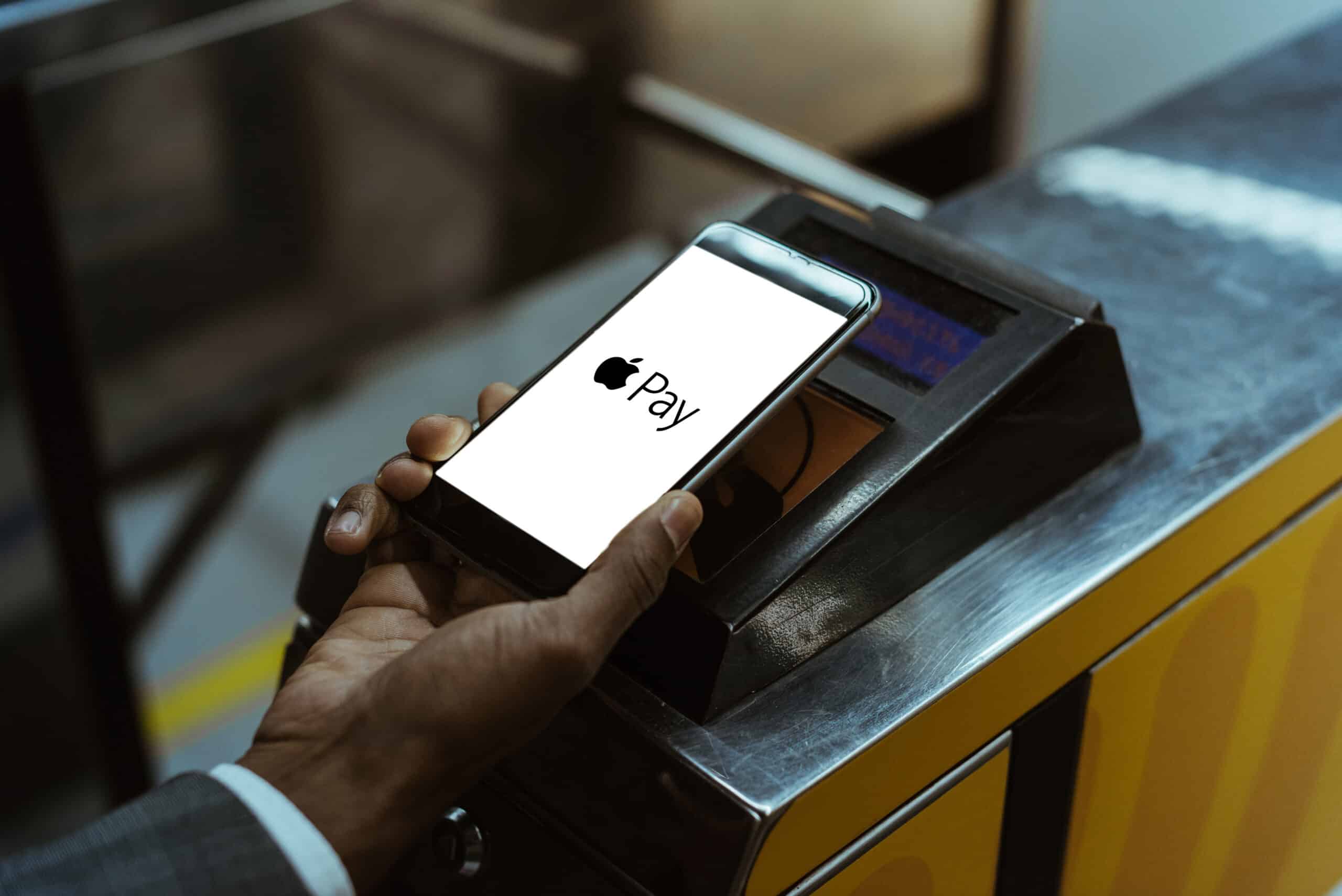
Neither PayPal nor Apple Pay themselves charge a foreign transaction fee, but the underlying payment method linked to the wallet almost always does, meaning you rarely avoid the fee just...
Before you start: where your billing information lives Before you update billing information, trace the charge back to its source. If the billing statement shows Apple, you are paying through...
Maximizing credit card rewards starts with your digital wallet Maximizing credit card rewards means applying the right reward to the right purchase at the right time, and your smartphone is...
To use your Apple Account balance for in-app purchases, first redeem an Apple Gift Card or App Store Card to add funds, then open the app, tap the purchase you...
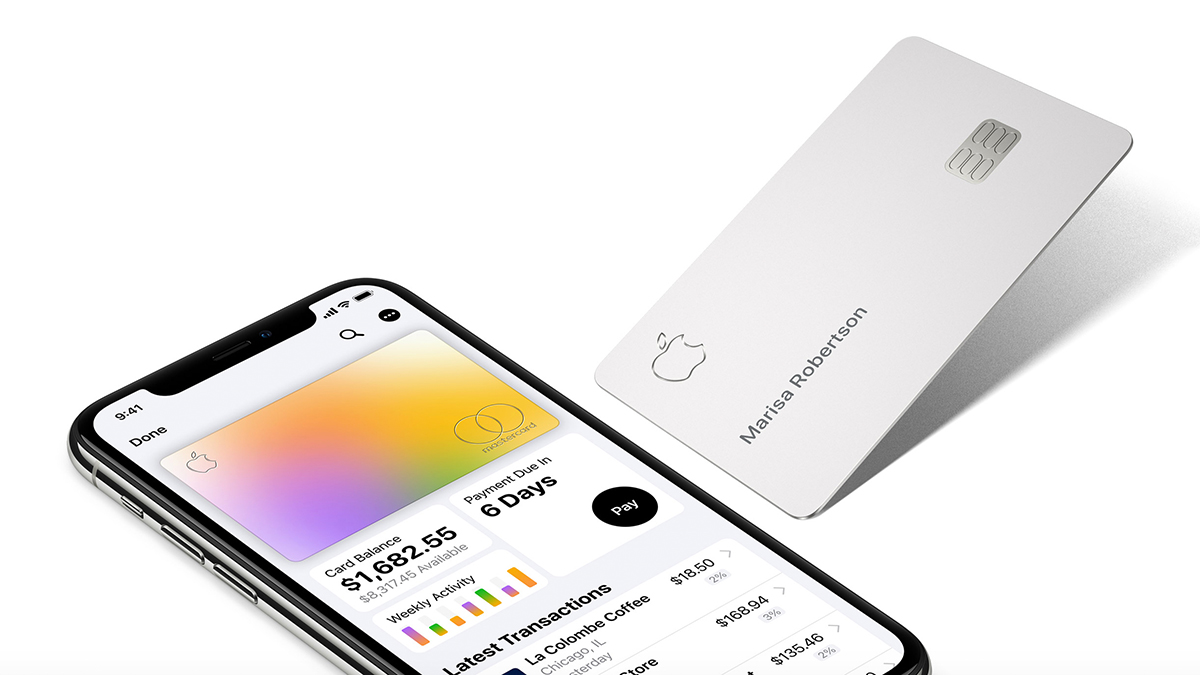
To pay off your Apple Credit Card, open the Wallet app on your iPhone, tap your Apple Card, select the monthly balance or tap "Other Amount" to enter a custom...
To put a credit card on your iPhone, open the Wallet app, tap the Add Card button, and choose Debit or Credit Card. After tapping Continue, you can either hold...
To change credit card on Apple Pay, you need to open the Wallet app on your iPhone, there is no separate Apple Pay app for card management. Apple Pay card...
You can add a credit card to Apple Pay without the physical card only if you have the card details from your bank app or online banking, and only if...
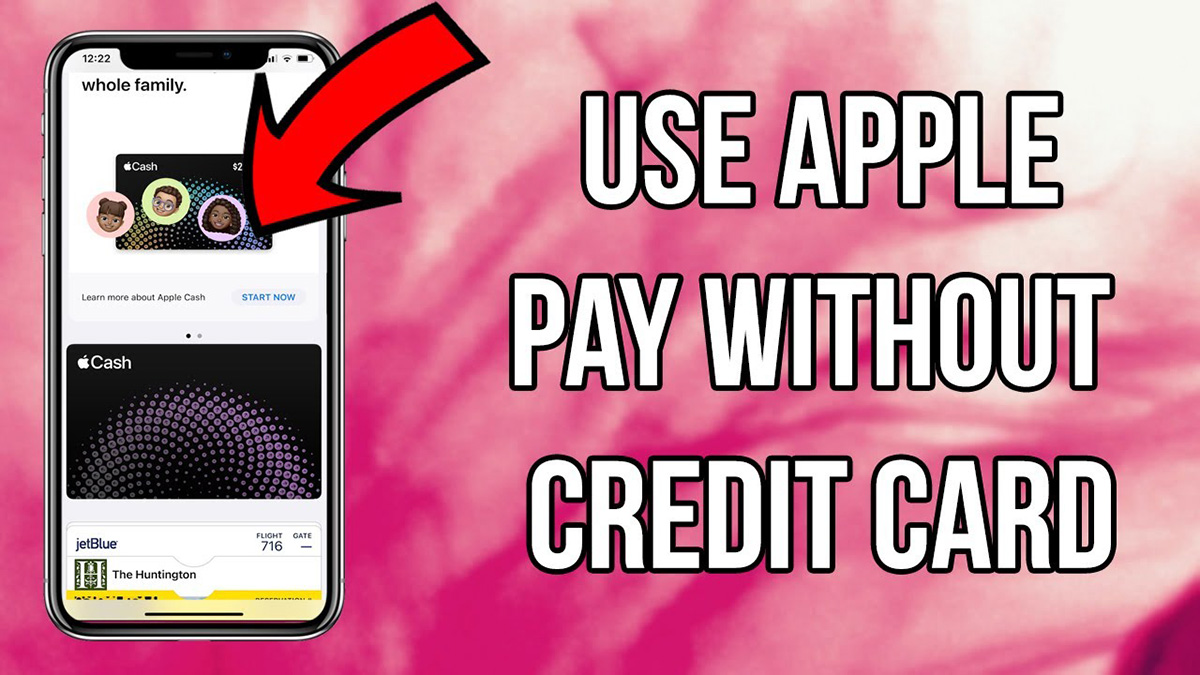
To use Apple Account balance instead of a credit card, you add money to your Apple Account and then spend that balance on eligible purchases within the Apple ecosystem. However,...
If your credit card stopped working in Apple Pay because it expired, the fix is usually automatic: your card issuer pushes the new expiration date to Apple Pay behind the...
A restricted credit card means the card issuer, payment network, or wallet service has limited how the card can be used for mobile payments, or has blocked it entirely after...
To check credit card billing address, open the Wallet app on an iPhone for Apple Card and Apple Pay cards, or sign in to Google Payment methods on Android for...