Getting set up to add credit card to QuickBooks To add credit card to QuickBooks, the software needs a place to pull in your charges before you track a single...
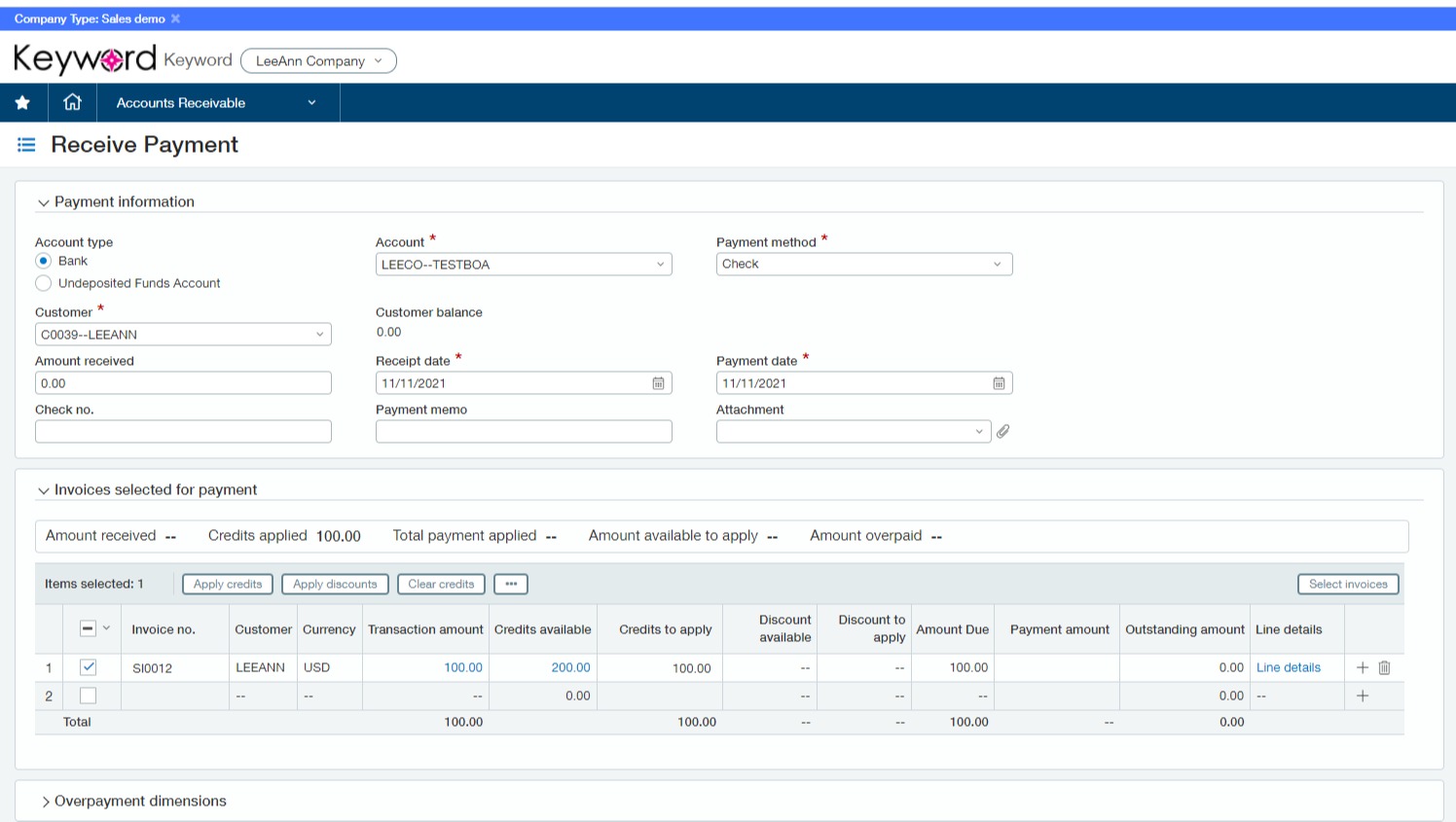
What Is a Vendor Credit in QuickBooks? A vendor credit in QuickBooks is a transaction that reduces the amount you owe a vendor, typically recorded after a return, overpayment, or...
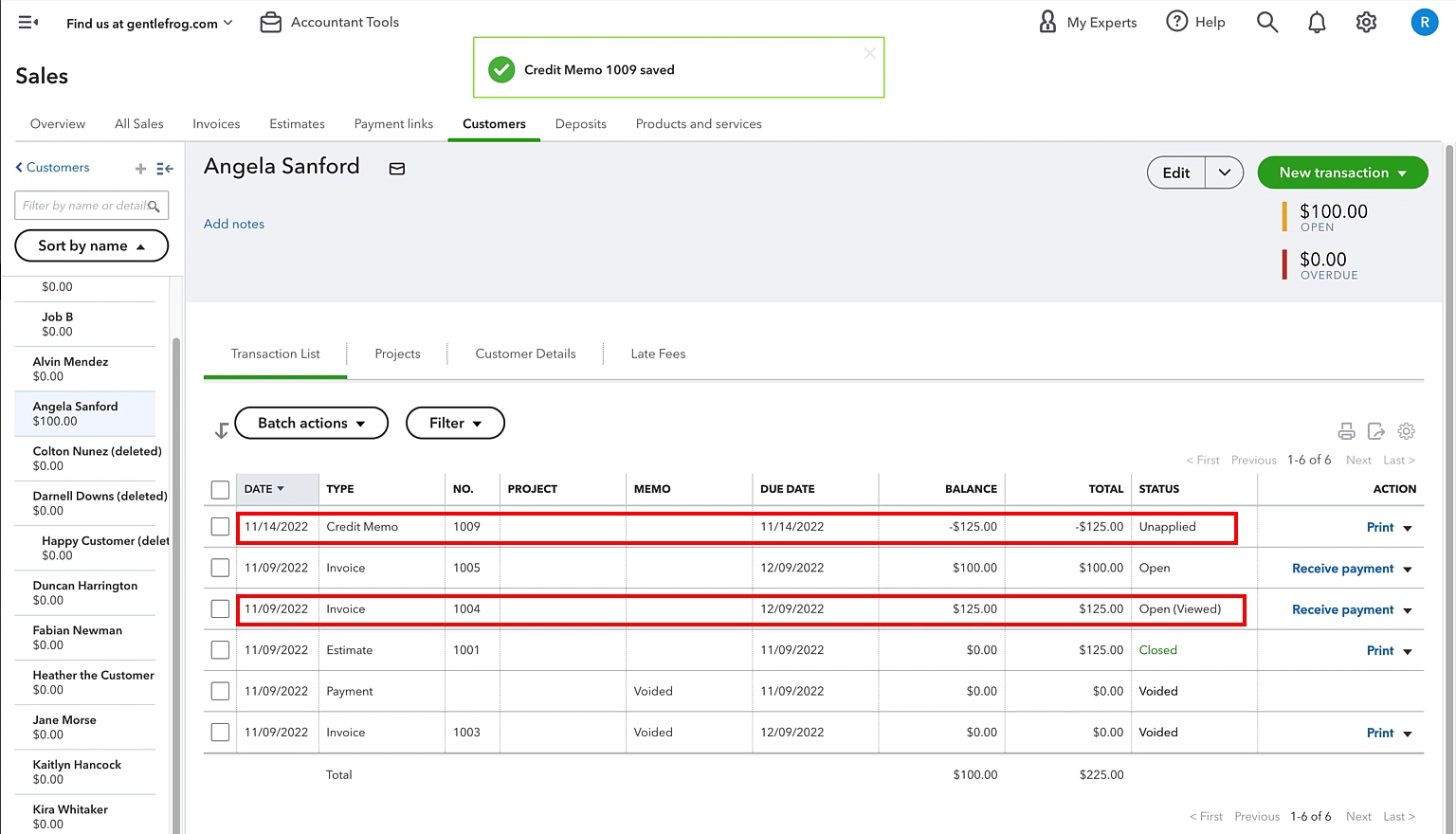
To unapply a credit in QuickBooks, you must remove it from the original invoice or bill where it was applied. The exact method differs between QuickBooks Desktop and QuickBooks Online,...
How to Enter a Vendor Credit in QuickBooks Online To enter a vendor credit in QuickBooks, you first create a separate credit transaction, then apply it to an open bill,...
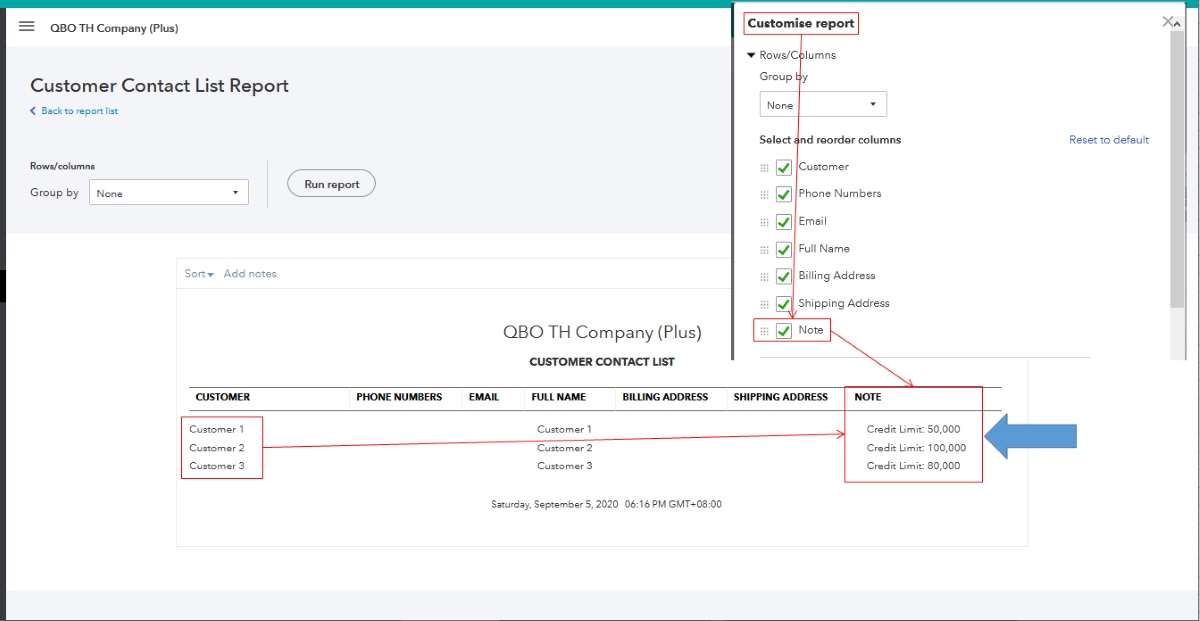
To set up a line of credit in QuickBooks Online, you create a liability account through the Chart of Accounts, then track draws, repayments, and fees separately using split transactions....
How To Import Credit Card Transactions In QuickBooks Desktop To import credit card transactions in QuickBooks Desktop, you have two documented methods: the primary Bank Feeds Web Connect (.QBO) import...
How To Receive Credit Card Payments In QuickBooks To receive credit card payments in QuickBooks, you need to set up QuickBooks Payments, connect it to your account, and then use...
How to categorize credit card payments in QuickBooks To categorize credit card payments in QuickBooks, record the payment as a transfer that reduces a liability, not as an expense or...
To record a credit card payment in QuickBooks Online, use the Pay down credit card transaction, which transfers funds from your bank account to the credit card account. Alternatively, you...
Why you can't always delete a credit card from QuickBooks Online To remove credit card from QuickBooks Online, you usually won't find a delete button, instead, you'll make the card...
To add a credit card account to QuickBooks Online, you can connect it directly to your bank or credit card provider to automatically import transactions, or you can create the...