Home>Credit Cards>Digital Wallet & Transfers
Credit Cards
Digital Wallet & Transfers
Table of Contents
Loading money with digital wallet transfers
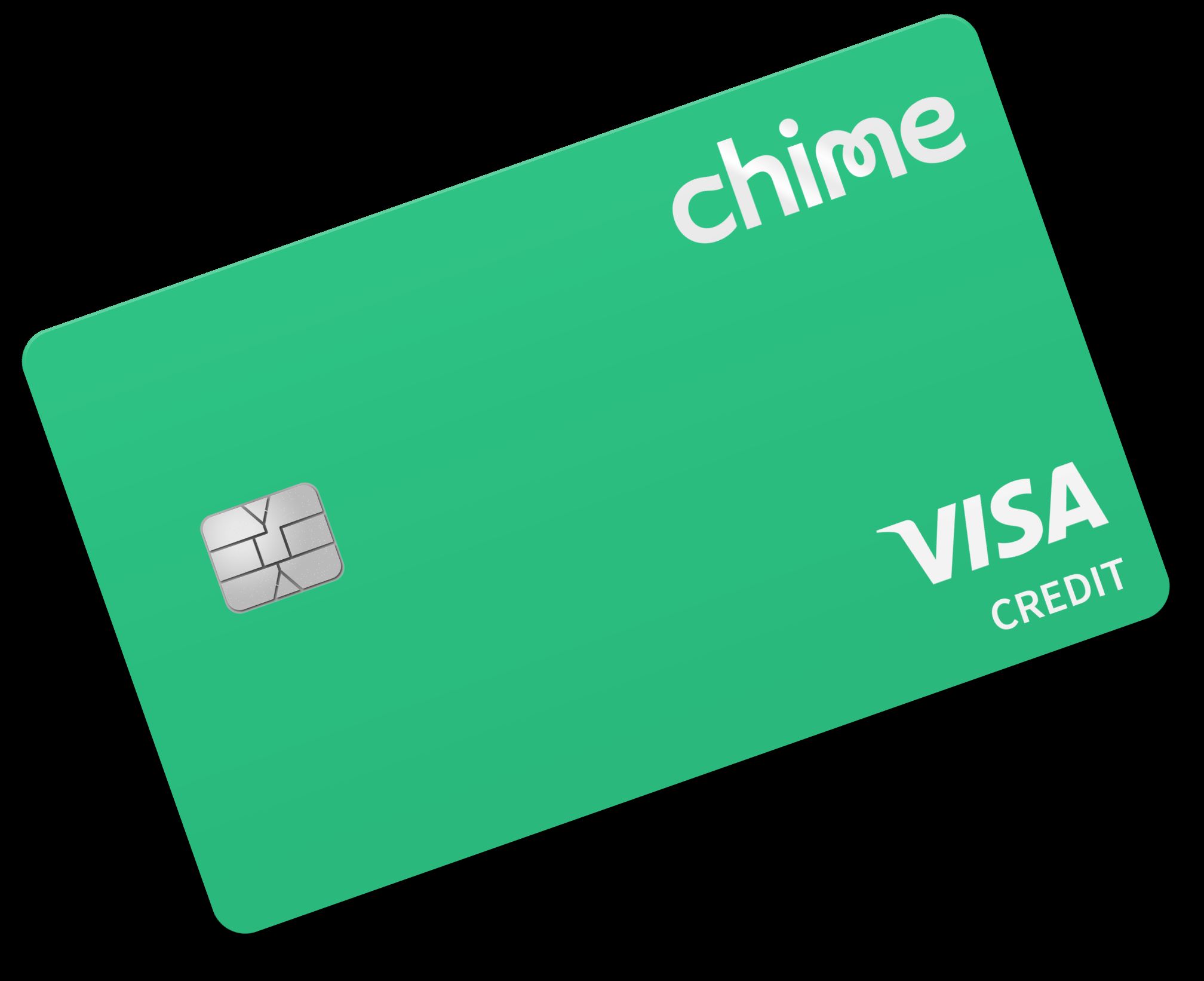
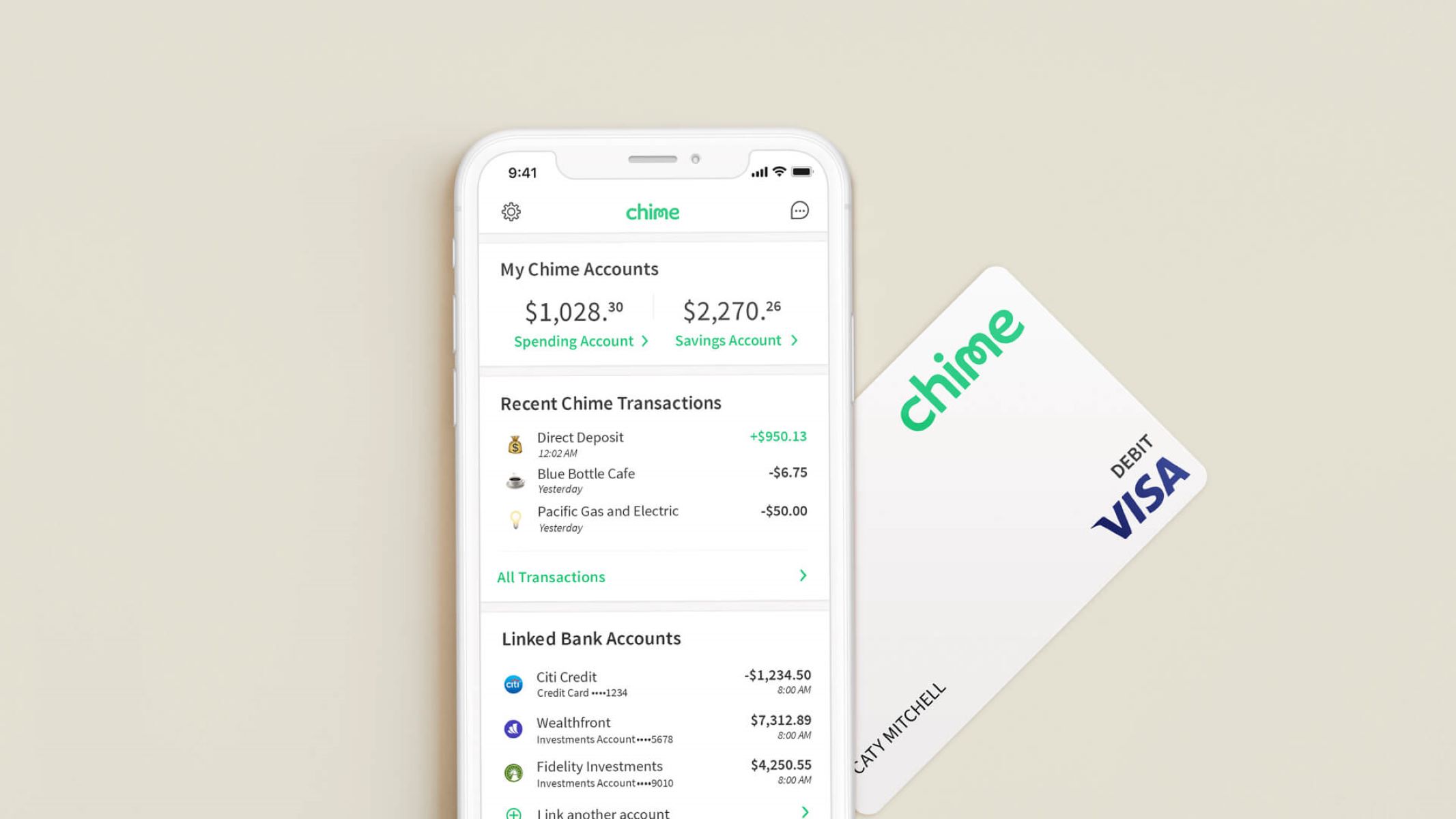
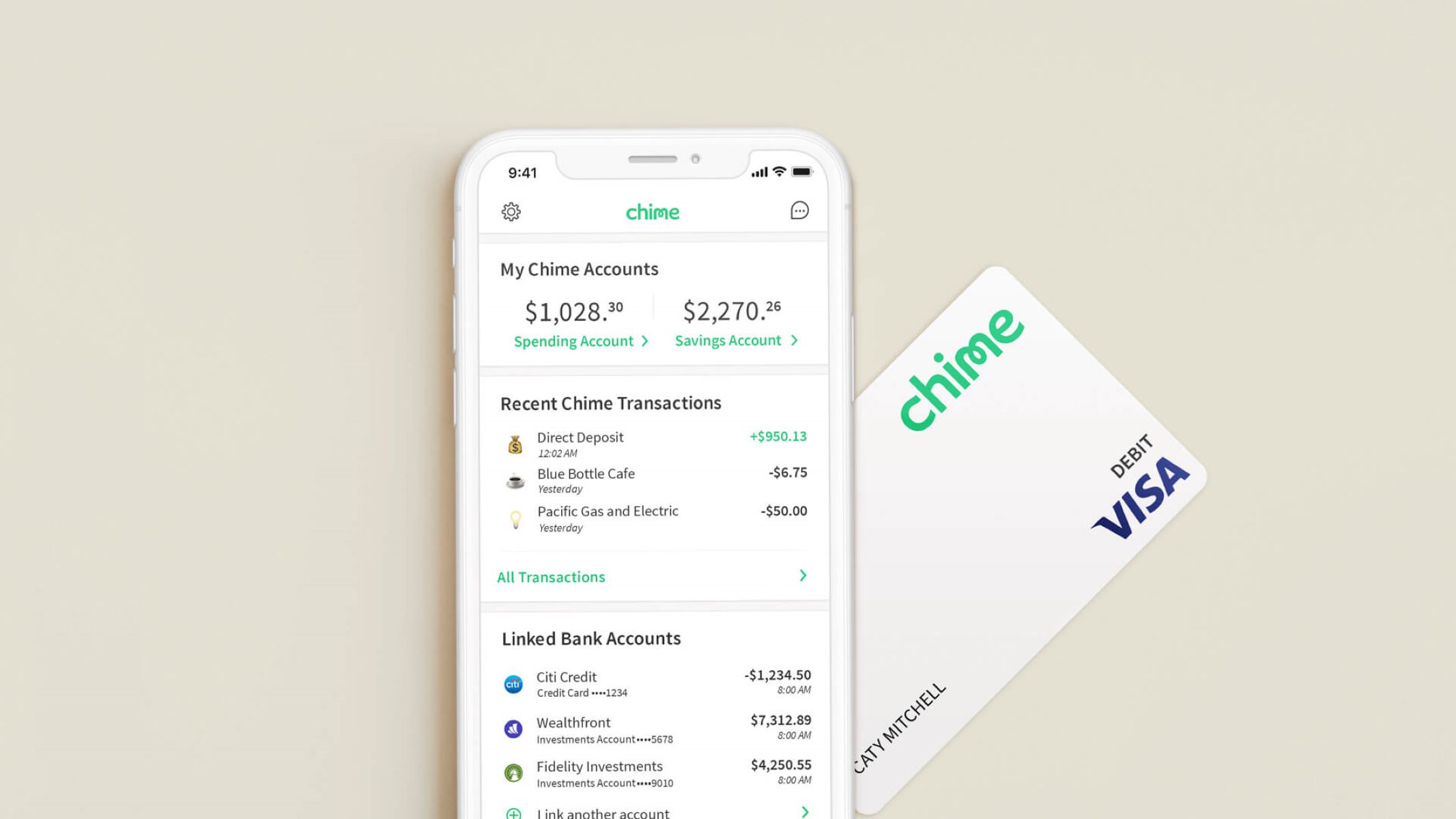
Digital wallet transfers often follow specific rules depending on the account you are funding. When you want to add money to your Chime Credit Builder, the money must come from your existing Chime Checking Account or Savings Account. In the app, you tap Move, then Transfer money, and set the destination to Credit Builder before confirming the amount. On the web, the same movement starts under Move Money at the top of the home page. This internal shift is the documented path. If you were hoping to use a different card as the source, you will need to move funds into your Chime account first. For step-by-step instructions on how to complete this process, you can read the article "I add money to my chime credit card" to see exactly how the transfer works within the app. Additionally, the guide "add money to chime credit card" provides a thorough walkthrough for funding your Credit Builder from your existing Chime accounts.
For Apple users who want to use Apple balance instead of credit card, the process relies on loading your Apple Account balance. In the App Store on an iPhone, you tap your photo or initials, choose Add Money, and pick an amount or set up auto reload. Wallet top-up is also possible in some countries and regions. You open Wallet, tap your Apple Account card, and select Add Money, provided you have a payment method accepted in Wallet.
Sending money and paying people
When you try to pay on Venmo with credit card, the app treats the transaction as a peer-to-peer money movement rather than a standard purchase, so your issuer may block it or code it as a cash advance. A linked credit card might appear as a funding source when you choose the recipient, enter the amount, and confirm the source before sending, only for the remittance to fail at the final step. If you keep wondering why won't Venmo let me use my credit card, the answer usually sits in your card's restrictions, not the app itself, because most issuers distinguish between buying goods and sending cash to a person. The same logic applies when you want to send money from Discover credit card via a mobile app; Discover allows it, but the transaction will likely process as a cash advance, triggering different limits and potential fees. Similarly, if you cannot figure out why can't i link my credit card to Cash App, the mismatch is almost always between how Cash App categorizes the settlement and what your card permits, not a technical glitch on either side.
Paying bills and loans with a card
Paying bills and loans with a digital wallet often works smoothly until the charge is coded as something other than a standard purchase, which is why you need to know how your lender processes card transactions before you tap submit. When you want to set up automatic payment PNC credit card, Online Banking lets you choose a recurring schedule under the Make a Payment flow by selecting Recurring for Payment Type, but PNC warns that you must keep making manual payments until you receive a confirmation letter showing when the automated remittance takes effect. Student loan borrowers trying to pay nelnet with credit card will find that university portals route them to the Nelnet site and then to a Payment Activity > Make a Payment > Next-Payment Method > Credit/Debit Card screen, yet Nelnet’s own policy and any cash-advance coding are not surfaced in that checkout path, so you may want to confirm how the charge will post before completing it. Store credit accounts carry the same uncertainty; many shoppers simply open their issuer’s app when i pay my carters credit card. By contrast, Apple Card holders have a clear, built-in path: inside the Wallet app on iPhone, you tap Apple Card, scroll to Scheduled Payments and tap Get Started to set up recurring installments, or you can pay off apple credit card with a one-time settlement by tapping Pay [amount]. In each case, the transaction will succeed or fail based on how the merchant category code aligns with your card’s restrictions, not on whether the app itself is working correctly.
Adding cards to digital wallets and apps
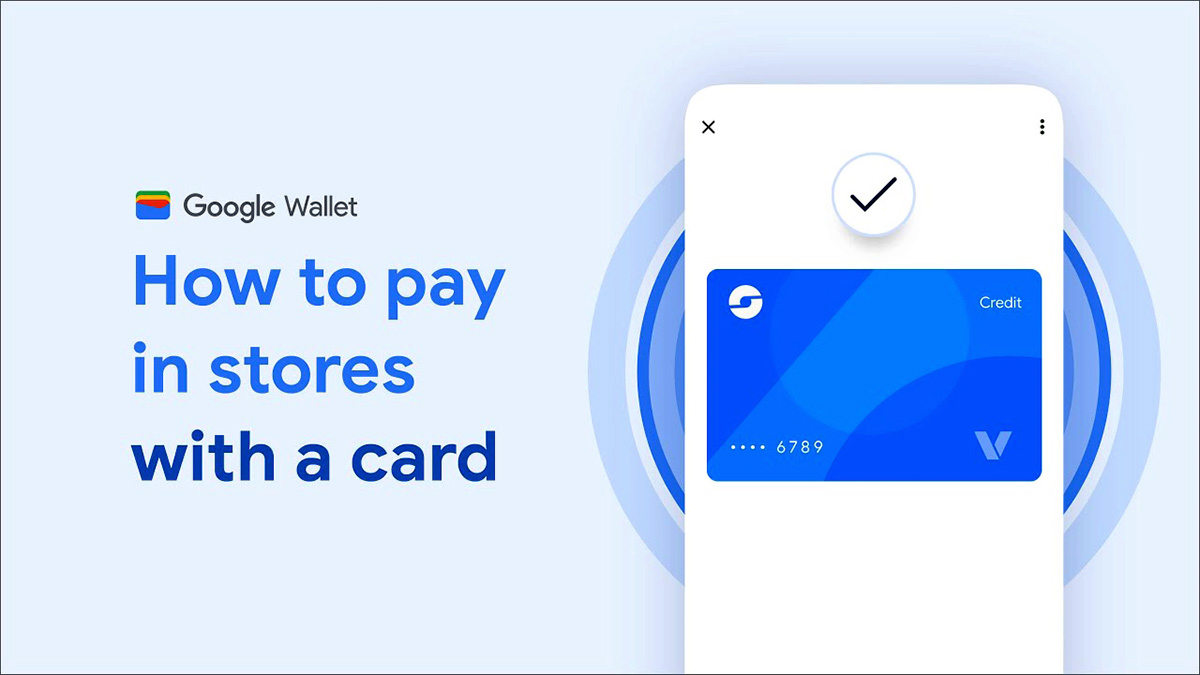
When you want to put credit card on iPhone, open the Wallet app and tap Add Card, then tap Debit or Credit Card and Continue; you can hold the physical card near the iPhone to add it. If that does not work, you can tap Enter Card Details Manually and type the information yourself. Your bank may still require an extra verification step before the card appears ready to use. The same basic flow works when you add credit card to Google Wallet on an Android phone. Open the app, tap Add to Wallet at the bottom, select Payment card, and either scan the card with your camera or enter the details by hand. In select countries you can also use the Add with a tap option by holding the card against the back of the device. If you need to add credit card to Apple Pay without card in hand, you can use the manual entry path. Your issuer may require an extra verification step to confirm you are the account holder.
Merchant apps and wearable devices follow a similar pattern but introduce their own quirks. When you add credit card to Disney app for mobile food ordering or merchandise checkout, the card is stored inside your Disney profile. The transaction may be categorized differently than a tap at a park register. A related but distinct step is to link credit card to Magic Band. This action turns the wristband into a charge-to-room token rather than a direct point-of-sale method. Because the band itself does not store your card number, you link a credit card to Magic Band using your resort reservation in the My Disney Experience app or website. Charges may flow through your hotel folio before hitting your card. Before troubleshooting a decline in any of these setups, check how the app or wearable processes the transaction, as your card issuer may block certain types.
When you send money from a credit card using a mobile app or money movement service, the transaction may be treated as a cash advance. The transaction is typically treated as a cash advance. This means it may skip any grace period, start accruing interest immediately, and carry a separate fee.
Digital wallets add another layer of control through near-field communication security settings. If you have turned on a setting that requires device unlock for NFC, every tap will demand your fingerprint or PIN. Leaving it off may permit some taps to go through without authentication, which is faster but slightly less secure. The choice depends on your daily routine. Either way, the card number itself stays hidden behind a device-specific token, so your actual digits never travel over the air during a sale.
Taking payments as a seller
When you are ready to accept a card in person, you first need to understand how Square credit card reader works so you know which reader to pull out of the drawer, and if you want to be ready before your next shift, you should read the article on how to turn on clover credit card machine to avoid last-minute fumbling. The plug-in magstripe reader connects via your phone’s headphone jack or lightning port. The contactless and chip reader pairs wirelessly over Bluetooth and lets customers insert, swipe, or tap. Before a rush starts, you will also want to make sure the Clover terminal is charged or plugged in. A dead battery is the most common reason it will not wake up when you press the power button. If a customer is paying over the phone or left their physical wallet at home, you can enable manual credit card entry on Square from the app by going to Settings, then Checkout, then Payment Types, and toggling the option on and dragging it into the active section if it appears in the disabled section. Once it is active, you simply ring up the sale, tap Charge, and choose Manual Card Entry to key in the digits. The steps for how to use a credit card reader are straightforward on any system. Ask the customer to insert a chip card face-up and leave it until the terminal beeps. Swipe a magstripe card smoothly along the groove. Hold a contactless card or phone near the screen. If you run your whole business from your pocket, you can take credit card payments on iPhone via the Square Point of Sale app by adding items or entering an amount, tapping Charge, and choosing a payment method. Just remember that any time you type in a card number, the transaction cannot be processed offline, so you need a live internet connection to complete the charge.
Using cards at unattended machines
When you use credit card on vending machine that has a contactless reader, the machine may place a temporary pre-authorization hold on your card that is later replaced by the final settled amount. The mechanics of how credit card vending machines work are straightforward. On Android, Google Wallet requires NFC to be turned on, a screen lock set, and the app configured as your default tap-to-pay method under Settings, Connected devices, Connection preferences, NFC, and Contactless payments. If you have turned on the Require device unlock for NFC setting, every tap will demand your fingerprint or PIN, while leaving it off permits some small-value taps on a locked screen.
Managing specific card features and charges
When you need to get cash from Venmo credit card, you can check possible cash-advance fees in the app under Me, then Wallet, then tap the card listed under Banks and cards, where any cash-advance fees tied to your funding source will be disclosed before you proceed. If you are wondering why is my Venmo credit card being declined, a possible reason is a merchant coding the transaction as a peer-to-peer remittance or cash equivalent, which many issuers block even when the total is well within your limit. The same category mismatch determines what appears on your statement. When you want to know how does tinder show up on credit card, the descriptor is typically set by the payment processor, and you can confirm the exact name by checking the line item on your own statement after a charge posts. On the merchant side, how are credit card tips paid to servers depends entirely on the employer’s payroll setup; tips are processed electronically and usually land in the next regular paycheck, though some restaurants still cash them out at the end of the shift. If your business issues a divvy credit card, you are working with a spend-management platform where a declined swipe often traces back to a preset spending limit rather than a network problem.